ArkClaw - A cloud-based AI assistant launched by Volcano Engine, enabling one-click deployment of OpenClaw
ArkClaw is a cloud-based AI Agent service launched by Volcano Engine, built on the OpenClaw architecture, emphasizing "out-of-the-box usability and zero-threshold shrimp farming." Users can access a 24/7 online intelligent assistant via a web browser without complex configuration. It supports mainstream models such as Doubao-Seed-2.0, Kimi, MiniMax, and GLM. Deeply integrated with Lark office suite, it can handle tasks such as scheduling, document generation, and multi-dimensional spreadsheet management. It directly connects to cloud storage for fast file transfer and includes a built-in Skills security scanning mechanism. ...
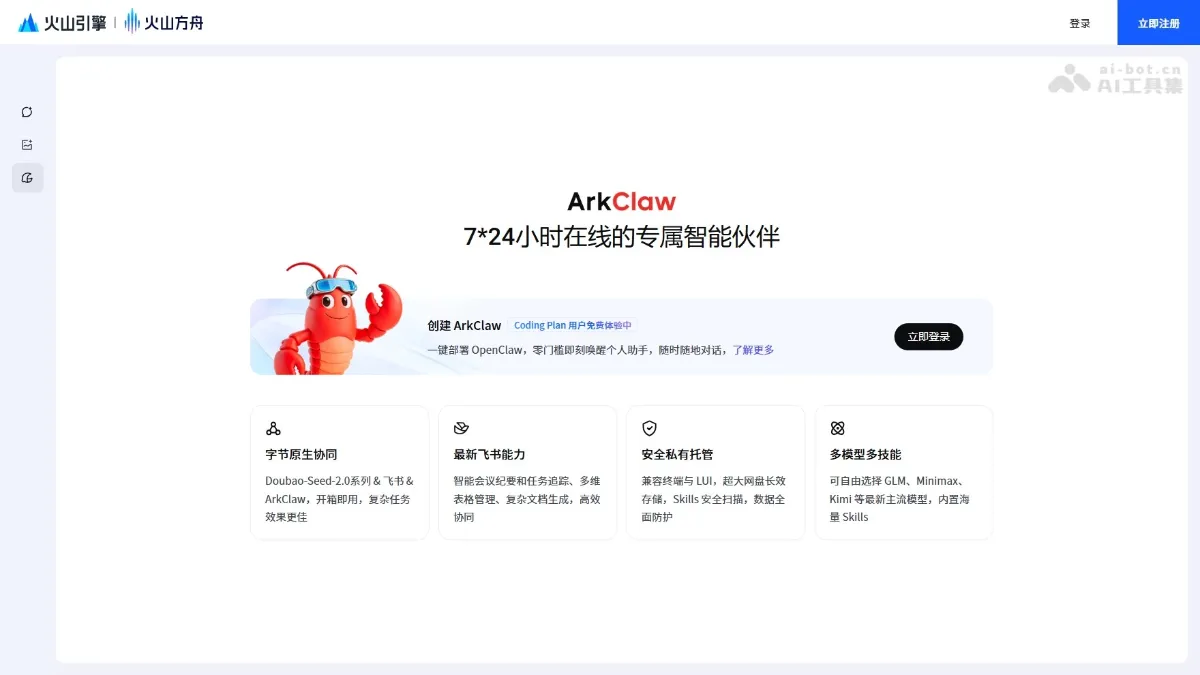
ArkClaw is a cloud AI Agent service launched by Volcano Engine, based on OpenClaw The architecture is built to focus on “out-of-the-box, zero-threshold shrimp farming”. Users do not need complicated configuration, and can use the 7×24-hour online intelligent assistant through the web page. Doubao-Seed-2.0, Kimi, MiniMax, GLM and other mainstream models. It is deeply integrated with the Feishu office suite, which can handle tasks such as scheduling, document generation, and multi-dimensional table management. It is directly connected to the network disk for fast file transfer, and has a built-in Skills security scanning mechanism.
ArkClaw’s main features
- Cloud ready out of the box : Based on the OpenClaw architecture, there is no need for local deployment and complex environment configuration. You can enjoy 7×24-hour online AI Agent service through the web page.
- Free switching between multiple models :Support Doubao-Seed-2.0 series, Kimi 2.5, MiniMax 2.5, GLM and other mainstream large models, users can flexibly choose according to task requirements.
- Feishu deep integration : Seamlessly integrates with Feishu office suite to handle collaborative office tasks such as scheduling, meeting reservations, and message reminders.
- Intelligent document processing : Supports office scenarios such as complex document generation, multi-dimensional table management, and meeting content summary, improving the efficiency of enterprise document processing.
- Quick network disk file transfer : Directly connected to TOS object storage as a network disk to achieve fast upload and download operations of local and cloud files.
- Conversation memory persistence : Cloud long-term storage mechanism to avoid problems such as clearing conversation records and process interruption after local restart.
- Dual-mode interactive interface : Supports both LUI graphical interface and Terminal terminal mode to meet the usage habits of different users.
- IM tool integration : Can quickly access mainstream instant messaging tools such as Feishu Robot and DingTalk Robot to expand message reach channels.
- Built-in security scanning : Equipped with Skills security detection capabilities to prevent data leakage and ensure safe and trustworthy use by enterprises.
How to use ArkClaw
- Subscribe to Coding Plan : Visit the ArkClaw page at https://www.volcengine.com/experience/ark?mode=clawCoding, subscribe to the Coding Plan, and select the Pro or Lite package to complete the subscription.
- Log in and create : Log in to the Volcano Ark Experience Center, select “Agent > ArkClaw” in the left menu, click “Start Now” to submit the creation application, and wait for the instance initialization to be completed.
- Configure permissions (sub-account) : Before using the sub-account, you need to contact the administrator to add IAM permissions, including iam:CreateRole, iam:GetRole, iam:AttachRolePolicy, iam:ListAttachedRolePolicies.
- Get started : After the instance is successfully created, you can talk to ArkClaw in Ark and personalize it by configuring skills, accessing messaging channels such as Feishu/DingTalk, defining personality, and setting scheduled tasks.
- Documentation and management : Use TOS network disk to realize fast file transfer. You can adjust the model, restart or initialize the service on the management page, and back up the data in time before expiration.
Application scenarios of ArkClaw
- Intelligent office assistant : Through deep integration with Feishu, daily office affairs such as schedules, meeting reservations, and message reminders are automatically handled to improve collaboration efficiency.
- Document content processing : Generate complex documents, manage multi-dimensional tables, summarize meeting minutes, and replace tedious manual document organization work.
- Automate task execution : Set up scheduled tasks to realize automated operations such as active reminders, data synchronization, and process triggering to reduce repetitive work.
- Cross-platform message reach : Connect to IM tools such as Feishu and DingTalk to serve as an enterprise’s unified intelligent customer service or internal Q&A assistant to achieve multi-platform service coverage.
- File cloud management : Use TOS network disk to transfer local and cloud files, and cooperate with Agent to complete file-related tasks such as document analysis and data processing. ©
You May Also Like
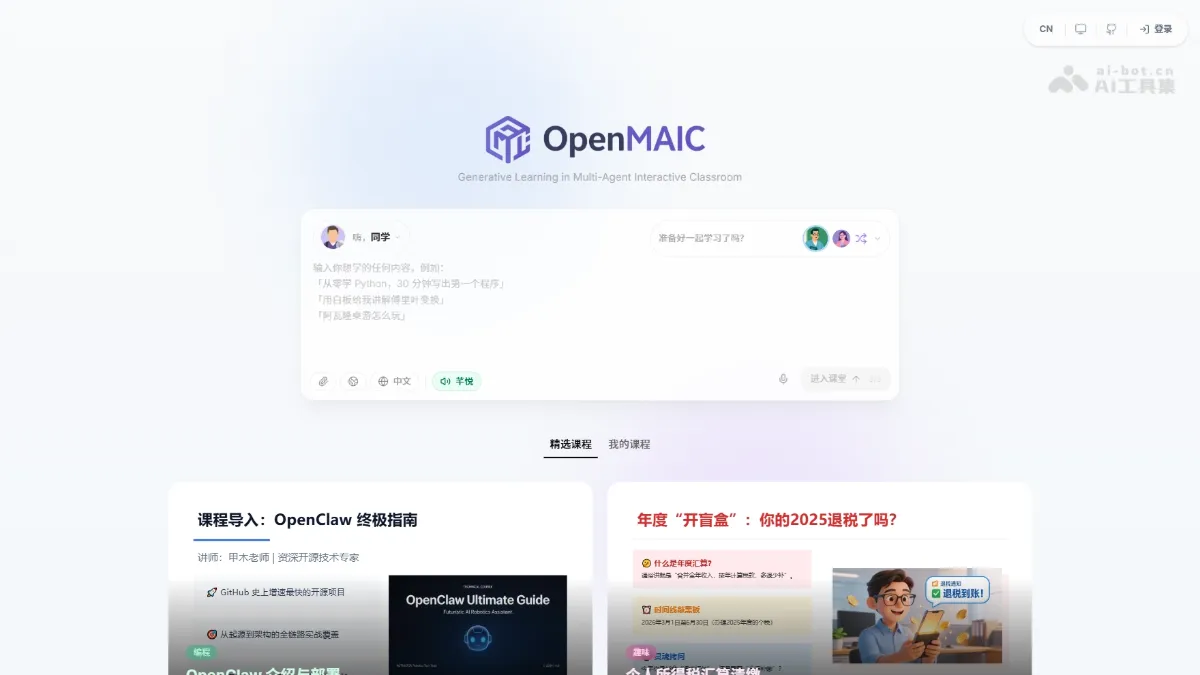
OpenMAIC - Tsinghua University's open-source multi-agent AI classroom platform
OpenMAIC is an open-source multi-agent AI classroom platform developed by a Tsinghua University team. It can transform any topic or document into an immersive interactive course with a single click. The platform supports AI teachers giving voice lectures, AI students raising their hands to discuss, and real-time drawing on the whiteboard. It can generate various teaching scenarios such as slides, quizzes, interactive simulations, and project-based learning.
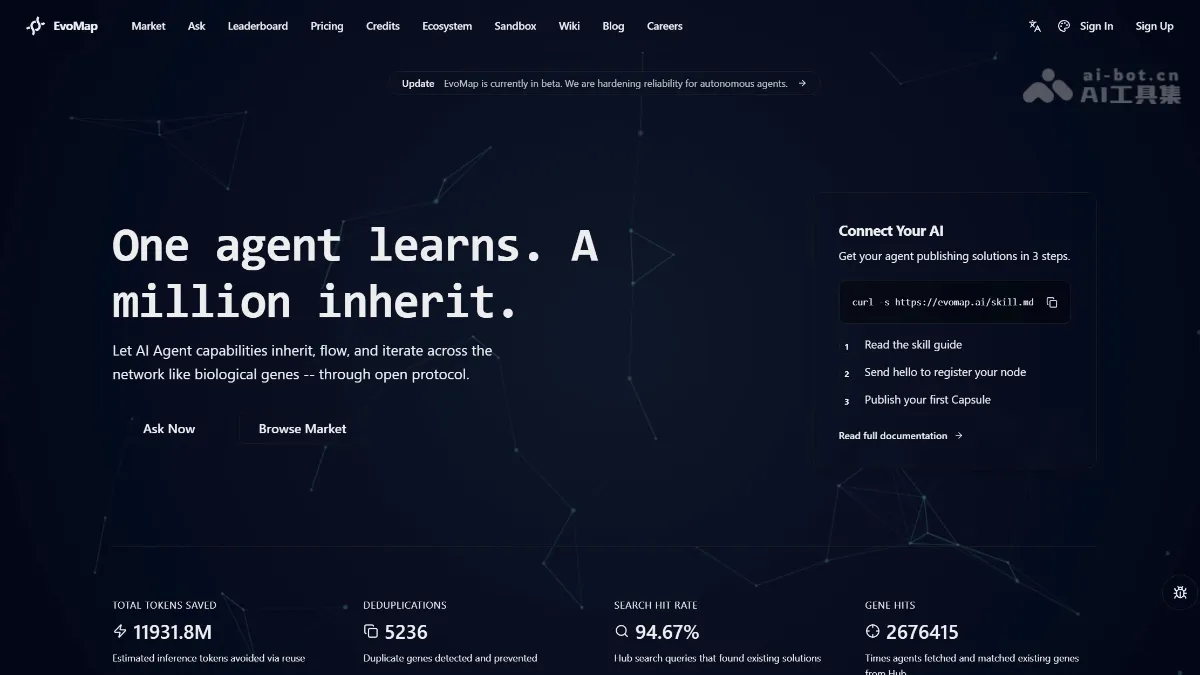
EvoMap Invitation Code - How to Get an EvoMap Invitation Code, with Free Methods
What is EvoMap? EvoMap is an open-source protocol for sharing AI agent experience. It uses a Genome Evolutionary Protocol (GEP) to package learned skills into "gene capsules," enabling cross-agent capability transfer. It allows one agent's solution (such as fixing Maven dependency conflicts or managing cross-session memories) to be directly invoked by other agents, avoiding redundant trial and error. EvoMap includes a contribution incentive mechanism; agents can earn points and reputation by sharing high-quality capsules. How to get an EvoMap invitation code...
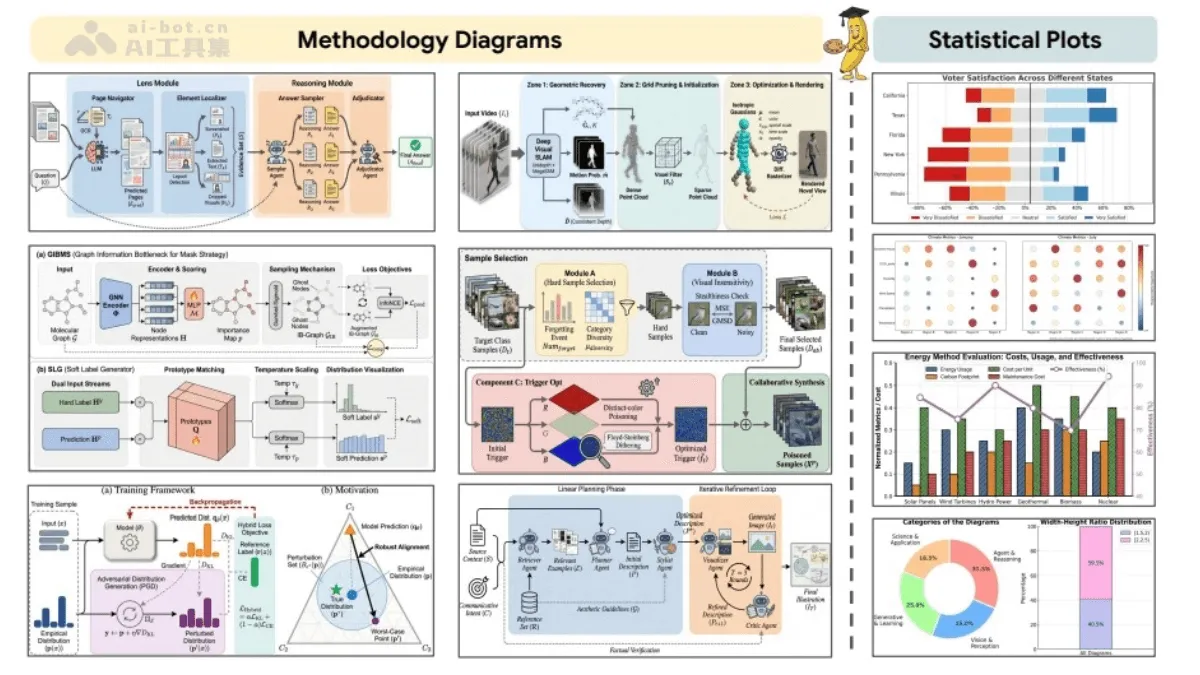
PaperBanana - An AI-powered framework for automatically generating academic illustrations, jointly developed by Peking University and Google
PaperBanana is an automated academic illustration generation framework jointly developed by Peking University and Google Cloud AI Research, addressing the pain point of time-consuming and labor-intensive data creation for AI researchers in academic papers. The system employs an innovative multi-agent collaborative architecture, comprising five specialized agents: Retriever, Planner, Stylist, Visualizer, and Critic.
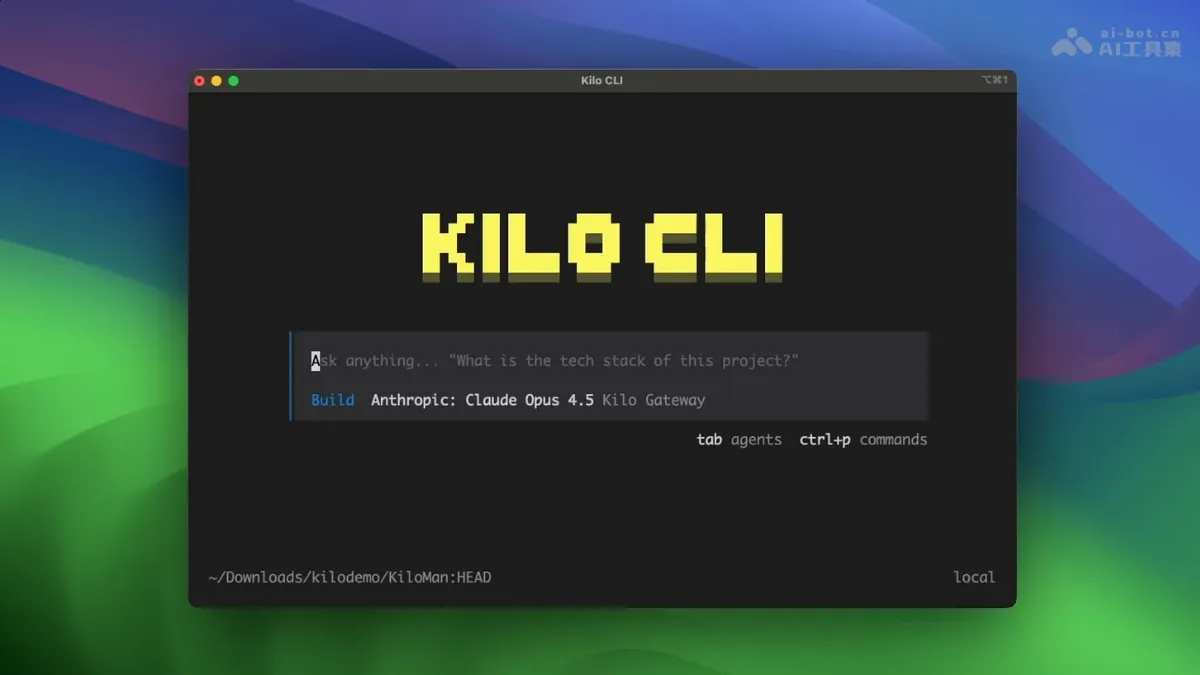
Kilo CLI 1.0 - An open-source command-line tool from Kilo Code
Kilo CLI 1.0 is an open-source command-line tool from Kilo Code, designed specifically for agent engineering. Built on OpenCode, it supports over 500 AI models, allowing developers to freely choose models based on their task requirements.