ChatClaw - Zhima's open-source AI agent, supporting multi-platform access
ChatClaw is an open-source AI agent developed by Zhima, with a tiny 30MB installation package supporting macOS, Windows, and Linux. The tool includes a built-in local knowledge base, skills marketplace, MCP extensions, long-term memory, and scheduled tasks, and can connect to over 10 communication platforms such as DingTalk, Lark, WeChat Work, and QQ.
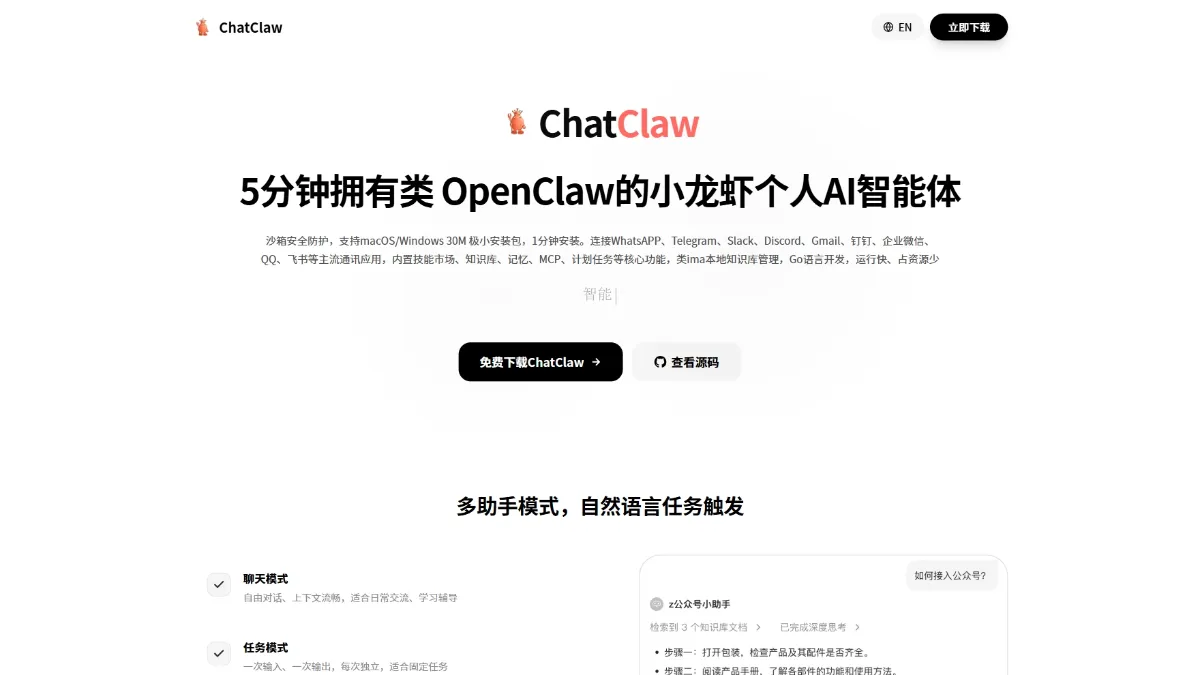
ChatClaw is Zhima’s open source AI agent. The 30MB minimal installation package supports macOS/Windows/Linux. The tool has built-in local knowledge base, skills market, MCP extension, long-term memory and planned tasks, and can be connected to 10+ communication platforms such as DingTalk, Feishu, Qiwei, QQ and so on. ChatClaw is developed using the Go language and consumes low resources. It provides a graphical interface and a desktop floating ball. You can build a private AI assistant in 5 minutes without the need for a command line. It is suitable for ordinary users and small and medium-sized enterprises who pursue out-of-the-box use.
Main features of ChatClaw
- AI assistant conversation : Supports chat mode and task mode, integrates multiple large models, and has context understanding and in-depth thinking capabilities.
- local knowledge base : Supports multiple document formats, completely processes data locally, and provides personal and team knowledge base management functions.
- skills market : Built-in rich skill plug-ins, one-click installation can expand PPT generation, document processing, email sending and receiving and other capabilities.
- MCP extension : Connect external tools and services through the Model Context Protocol to achieve unlimited expansion of AI capabilities.
- long term memory : Automatically extract and remember user preferences and habits to achieve personalized and coherent services across conversations.
- Scheduled tasks : Provides a graphical interface to configure scheduled tasks, and realizes automated execution without writing code.
- Multi-platform access : Supports more than 10 communication platforms such as DingTalk, Feishu, Qiwei, and QQ to achieve unified control of multiple terminals.
- Sandbox security : Uses an isolated sandbox to run code, supports free switching between sandbox and native modes, and takes into account both security and flexibility.
Key information and usage requirements for ChatClaw
- development team :zhimaAi
- Product positioning : OpenClaw-like personal AI agent
- core selling point : 5 minutes deployment, 30MB installation package, 1 minute installation
- development language :Go
- Support system : macOS, Windows, Linux
- Open source agreement : Open source and free
- Interface type : Graphical GUI, no command line required
- Hardware requirements : Resource usage is extremely low, even old computers can run smoothly; idle state CPU 0.5%, memory 45MB, conversation state CPU 5%, memory 80MB
- Software requirements : Supports Ollama, Anthropic, OpenAI and custom model service providers. API Key needs to be configured to use AI model service.
ChatClaw’s Core Advantages
- Minimalist deployment : 30MB installation package, installation can be completed in 1 minute, and you can have a personal AI agent in 5 minutes, significantly lowering the threshold for use.
- Graphical interface : Provides a complete GUI operation experience without the need for a command line, making it easy for ordinary users to get started.
- local knowledge base : Supports multiple document formats, data is completely processed locally, and privacy and security are guaranteed. It is an alternative to IMA.
- Low resource usage : Developed using the Go language, it runs quickly, takes up only 45-80MB of memory, and can run smoothly even on old computers.
- Multi-platform access : Supports more than 10 mainstream communication applications such as DingTalk, Feishu, Qiwei, and QQ to achieve unified control of multiple terminals.
- Rich expansion capabilities : The built-in skill market has one-click plug-in installation, supports unlimited expansion of the MCP protocol, and meets diverse needs.
How to use ChatClaw
- Download the installation package : Visit the ChatClaw official website or GitHub to download the installation package for the corresponding system.
- One click installation : Run the installer and complete the software deployment within 1 minute.
- Start application : Open ChatClaw and enter the main graphical operation interface.
- Configure model service : Select the AI service provider in the settings and fill in the API Key.
- Create a knowledge base : Upload local documents or web links to build an exclusive knowledge base.
- Installation skills : Enter the skills market and install the required function plug-ins with one click.
- AI conversation : Choose chat mode to communicate or task mode to execute fixed instructions.
- Quick operation : Use the floating ball on the desktop to search for words or wake up the assistant with one click.
ChatClaw project address
- Project official website :https://ichatclaw.com/
- GitHub repository :https://github.com/zhimaAi/ChatClaw
Comparison of similar competing products of ChatClaw
| Contrast Dimensions | ChatClaw | OpenClaw | QClaw | JVS Claw |
|---|---|---|---|---|
| Deployment method | One click installation | Manual configuration | Official website download + invitation code | Official website download + invitation code |
| Interface type | Graphical GUI | command line | Mini program + desktop | Graphical GUI |
| Open source agreement | Open source and free | Open source and free | Closed source free | Closed source free |
| Installation package size | 30MB | Larger | – | – |
| Deployment time | 1 minute | hours | 10 minutes | 15 minutes |
| Knowledge base type | local private | Need to build it yourself | Cloud + local | Cloud-based |
| Multi-platform support | 10+ platforms | 15+ platforms | Mainly WeChat | Alibaba Ecology |
| Expansion capabilities | MCP protocol | ClawHub | Skill Square | limited |
Application scenarios of ChatClaw
- Personal efficiency improvement : Suitable for users who need to quickly obtain information and manage personal knowledge. It can realize intelligent question and answer on documents through the local knowledge base, and handle daily trivial matters with the help of scheduled tasks automation.
- Enterprise customer service : Suitable for e-commerce, finance, logistics and other industries, it provides 7×24-hour automatic customer service based on the knowledge base, and connects with internal communication platforms such as DingTalk, Qiwei, and Feishu to achieve unified management and intelligent replies across multiple platforms.
- Teamwork : Suitable for small and medium-sized enterprise teams to build a shared team knowledge base to accumulate corporate documents, and quickly generate PPT, process Excel and other office documents through the skills market.
- Developer Tools Extension : Suitable for developers who need customized AI capabilities, connect external data sources and tools through the MCP protocol, and safely execute code in a sandbox environment. ©
You May Also Like
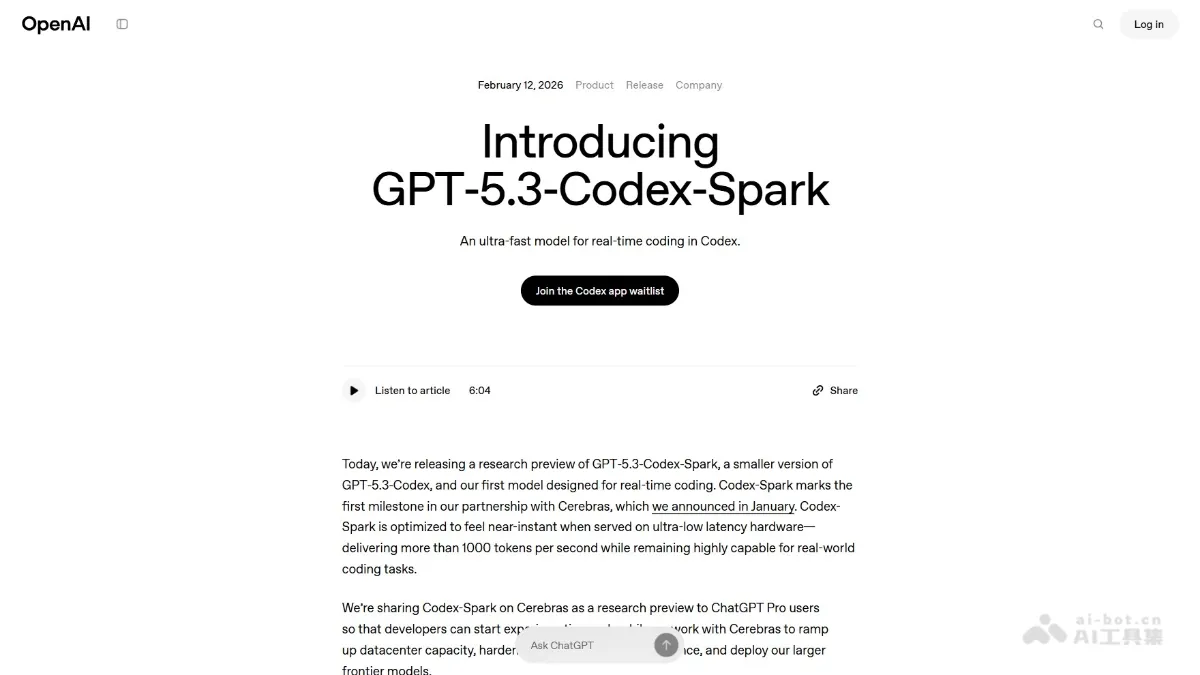
GPT-5.3-Codex-Spark - A lightweight programming model and AI toolset from OpenAI
GPT-5.3-Codex-Spark is OpenAI's first lightweight model designed specifically for real-time programming, emphasizing extreme speed. The model runs on a Cerebras WSE-3 wafer-level chip, achieving inference speeds exceeding 1000 tokens/second and supporting 128k context.
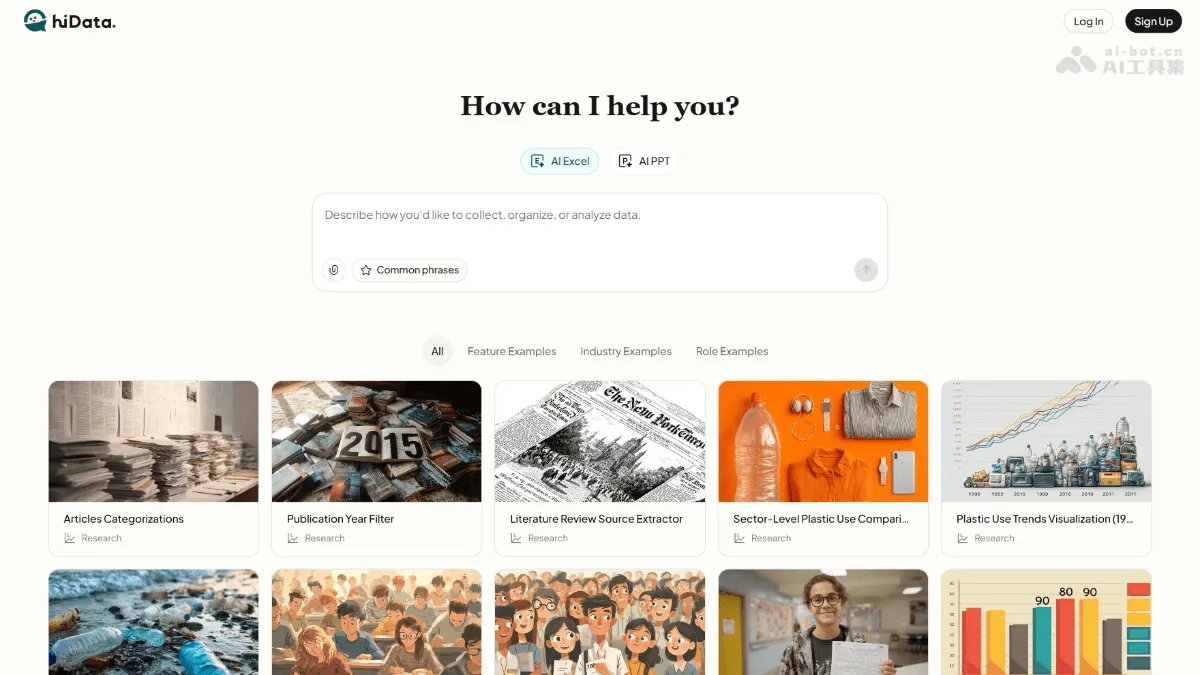
hiData - AI data analysis and processing tool, enabling end-to-end analysis using natural language processing
hiData is an AI-driven data analysis and processing tool that allows non-technical users to process spreadsheets using natural language. Users don't need to master Excel formulas; they can simply describe their needs in plain English to complete data cleaning, analysis, calculations, and visualizations. The tool supports multiple formats including Excel, CSV, and PDF, and can automatically generate charts, reports, and presentations. Designed for marketers, researchers, and small business owners, hiData reduces data processing tasks that used to take hours to minutes, truly democratizing data analysis with "zero technical barriers."
Keling 3.0 Model - Kuaishou Keling's next-generation multimodal AI creation model
Keling AI 3.0 is Kuaishou's new generation multimodal AI creation model, achieving an "All in One" native creation workflow. Model version updates include: Video 3.0 supporting AI intelligent scene creation, 15-second long video generation, multilingual lip-syncing (including dialects), and image-based video subject reference; Video 3.0 Omni enhancing all-around reference and audio cloning; Image 3.0 supporting the fusion and free editing of 10 reference images; Image 3.0...
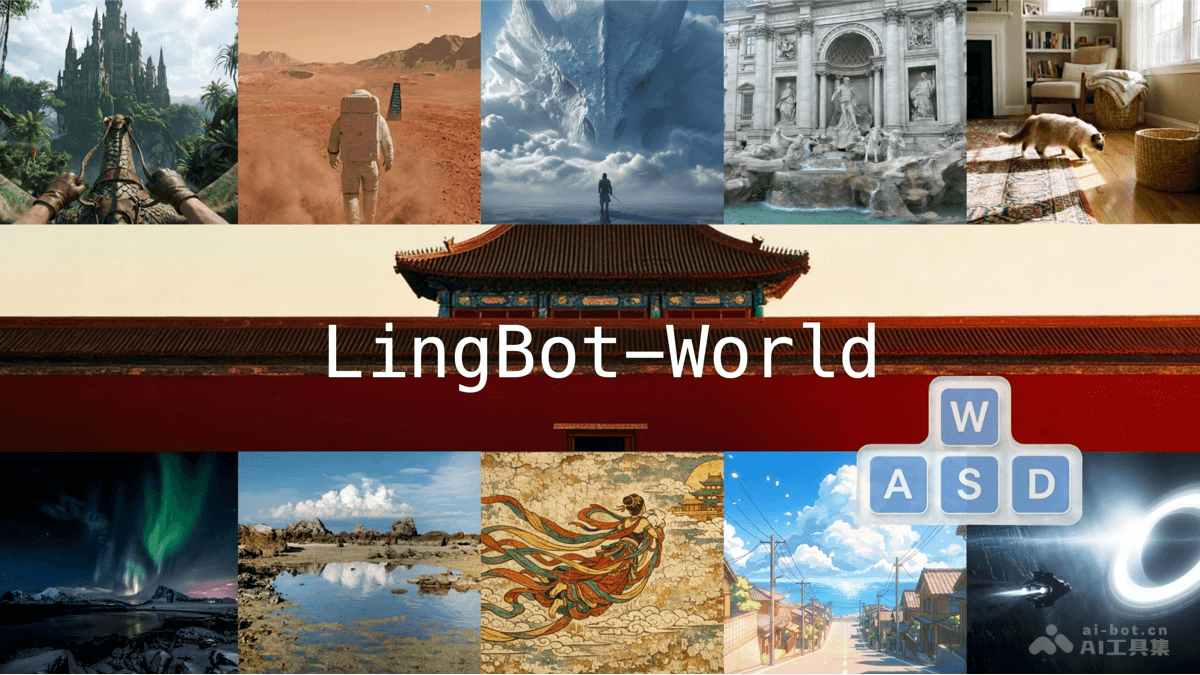
LingBot-World - An open-source interactive world model from Ant Lingbo Technology
LingBot-World is an open-source interactive world model from AntLingbo Technology. The model learns physical laws and causal relationships from large-scale game environments through a scalable data engine, achieving accurate action-driven generation. The model supports nearly 10 minutes of continuous and stable generation, with a response speed of 16 FPS and latency controlled within 1 second, while also possessing zero-shot scene generalization capabilities. The model effectively solves the pain points of scarce and costly real-world training data, and can be widely used in robot training, autonomous driving simulation, and game development, allowing intelligent agents to learn safely and efficiently through trial and error in virtual environments.