CLI-Anything - A native tool for converting HKU open-source code into AI agents
CLI-Anything is an open-source tool from the Data Science Lab at the University of Hong Kong (HKUDS) that can convert the codebase of any open-source software into a command-line interface (CLI) usable by AI Agents with a single click. Through a 7-stage automated process (analysis, design, implementation, testing, etc.), the tool transforms professional software such as GIMP, Blender, and LibreOffice from fragile GUI automation into stable, structured, and programmable native Agent tools, realizing the vision of "Today's software is for people, tomorrow's users are..."
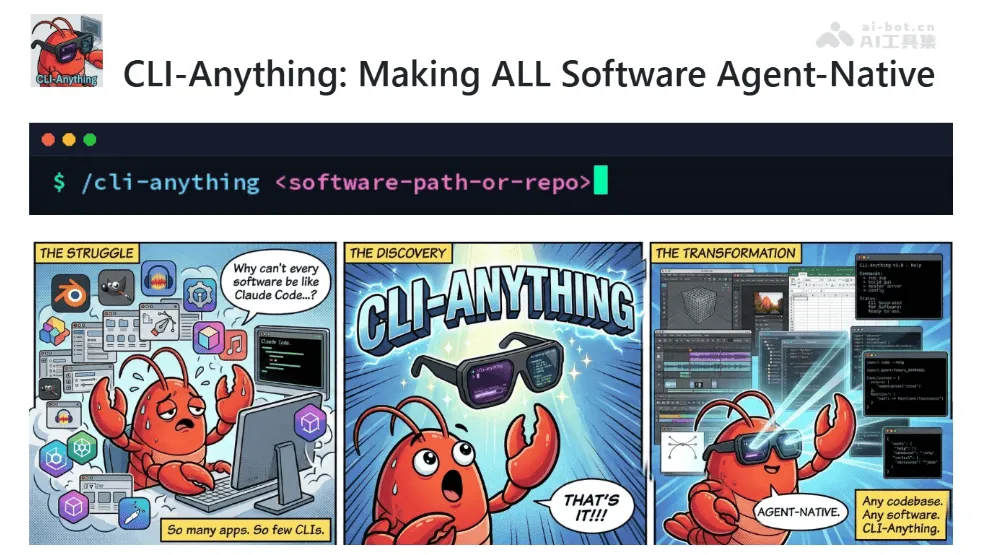
CLI-Anything is an open source tool from the University of Hong Kong Data Science Laboratory (HKUDS). It can convert the code base of any open source software into a command line interface (CLI) usable by AI Agent with one click. Through a 7-stage automation process (analysis, design, implementation, testing, etc.), the tool allows professional software such as GIMP, Blender, and LibreOffice to get rid of fragile GUI automation and become stable, structured, and programmable Agent-native tools, realizing the vision of “Today’s software is made for people, and tomorrow’s users are Agents.”
Main functions of CLI-Anything
- Generate CLI with one click : Automatically complete the 7-stage process from source code analysis to release through a single command, converting any open source software into a command line tool available to Agent.
- Real software integration : Directly operate existing professional software (such as GIMP, Blender, LibreOffice) and call real applications to process project files.
- Say goodbye to GUI automation : Abandon the fragile solutions of screenshot recognition and simulated clicks, and adopt pure command line interaction to eliminate the risk of failure caused by changes in UI elements.
- Structured output : Supports REPL interactive mode and script subcommand dual modes, built-in
--jsonThe flag outputs structured data to facilitate direct consumption and analysis by the Agent. - Production-grade testing assurance : Completed 1436 test case verifications on 9 professional software, including unit testing, E2E testing and real software calls, ensuring a 100% pass rate.
Technical principles of CLI-Anything
- Source code static analysis and GUI mapping : By scanning the source code of the target software, identifying the operation logic, event processing and API calls in the graphical interface, mapping GUI operations such as human clicks and drags into programmable function interfaces.
- Architecture design and state modeling : Design the command group structure based on the analysis results, build a state model to manage the context of the software runtime (such as the current project, selected objects, editing history), and define unified input and output format specifications.
- CLI framework automatically generated : Use code generation technology to automatically build a command line interface based on Python CLI frameworks such as Click, including REPL interactive environment, JSON serialized output, undo/redo mechanism and other Agent-friendly features.
- Real software call encapsulation : The generated CLI does not re-implement functions and directly drives real applications by calling the software’s native API, script interface or headless mode to ensure functional integrity and compatibility.
- test driven verification : Supports automatic generation and execution of unit tests and end-to-end tests, verifies the behavioral consistency between the generated CLI and each version of the target software, and ensures the reliability of the production environment.
CLI-Anything project address
- GitHub repository :https://github.com/HKUDS/CLI-Anything
Application scenarios of CLI-Anything
- Multimedia content creation : Let AI Agent directly call Blender for 3D modeling and rendering, use GIMP to process images, and edit audio through Audacity to realize automated content production pipelines.
- Document automation : Drives LibreOffice to generate reports in batches, convert formats, and fill in data, replacing traditional template engines to complete the intelligent generation of complex layout documents.
- Video post-production : Control professional tools such as OBS, Kdenlive, Shotcut, etc. to realize automatic editing, special effects addition, multi-track synthesis and batch export, greatly improving video production efficiency.
- Design workflow integration : Integrate design software such as Inkscape and Krita into the Agent system to complete vector image generation, batch material processing, and automated execution of brand visual specifications.
- Research and Engineering Computing : Expanded to the fields of CAD, EDA, and scientific computing tools, allowing Agents to directly operate professional software to complete complex tasks such as simulation analysis, circuit design, and data visualization. ©
You May Also Like
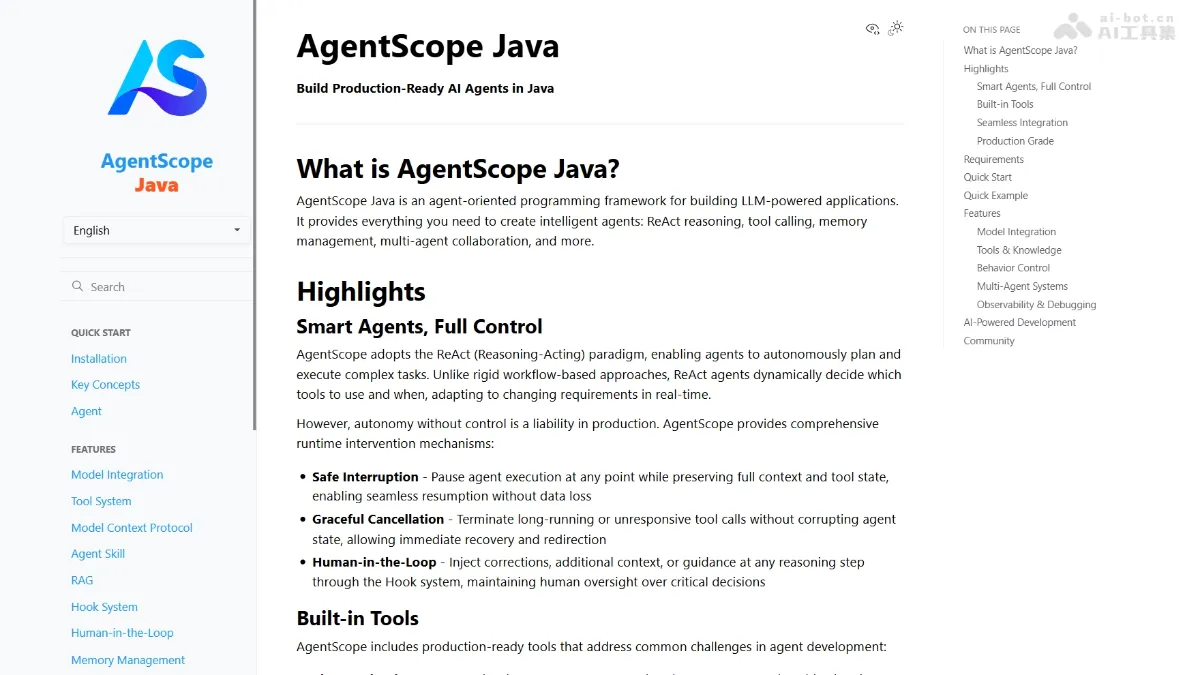
AgentScope Java - Alibaba's open-source enterprise-level intelligent agent development framework
AgentScope Java is an open-source Java framework from Alibaba for developing enterprise-level intelligent agents, enabling Java developers to easily build production-grade AI applications. The framework adopts the leading ReAct paradigm, giving large models autonomous reasoning and planning capabilities, while providing a robust runtime control mechanism to ensure a balance between autonomy and controllability.
Finally, Apple supports the Claude Agent SDK!
Apple and Anthropic jointly announced early this morning that Xcode, the official programming tool for Apple platform developers, has released version 26.3, and for the first time natively integrates Claude Agent, supporting development in Agentic Coding mode. In addition to Claude Agent, Xcode 26.3 also supports integration with OpenAI's Codex code agent. ...
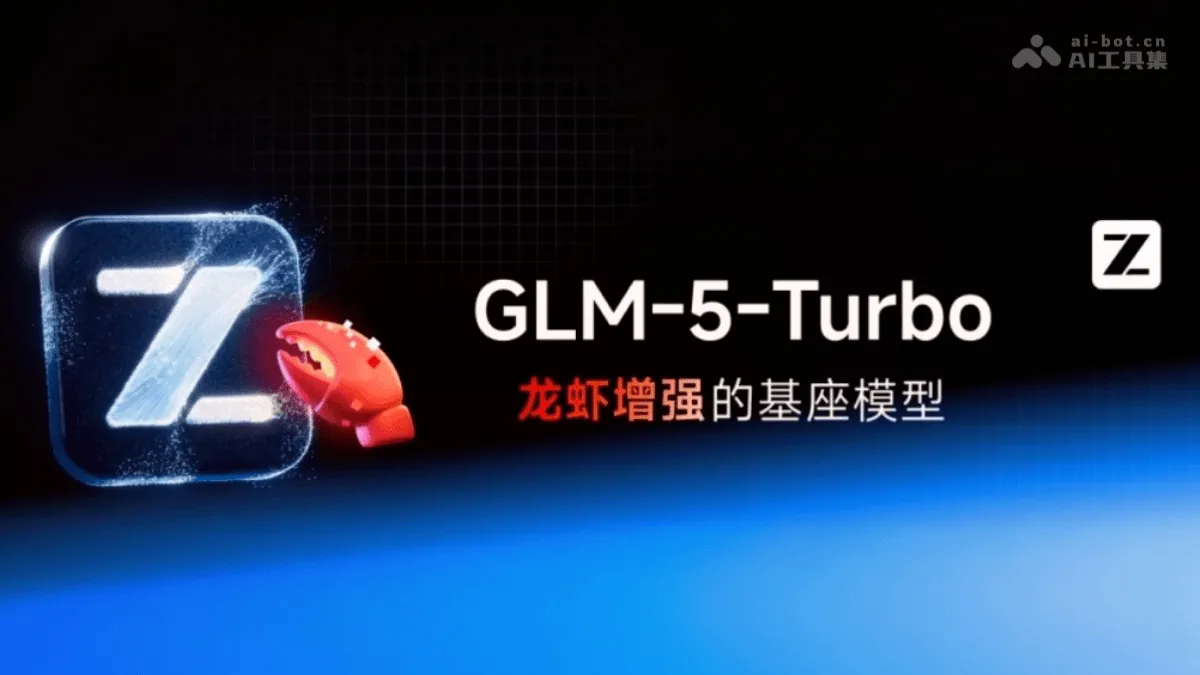
GLM-5-Turbo - Zhipu launches a base model deeply optimized for OpenClaw
GLM-5-Turbo (codename: Pony-Alpha-2) is a foundational model launched by Zhipu AI, deeply optimized for OpenClaw (lobster) agent scenarios. From the training phase, the model undergoes specific optimizations for core capabilities such as tool invocation, complex instruction compliance, timed and continuous tasks, and high-throughput long-chain processing, addressing the challenges of general-purpose models in real-world agent scenarios.
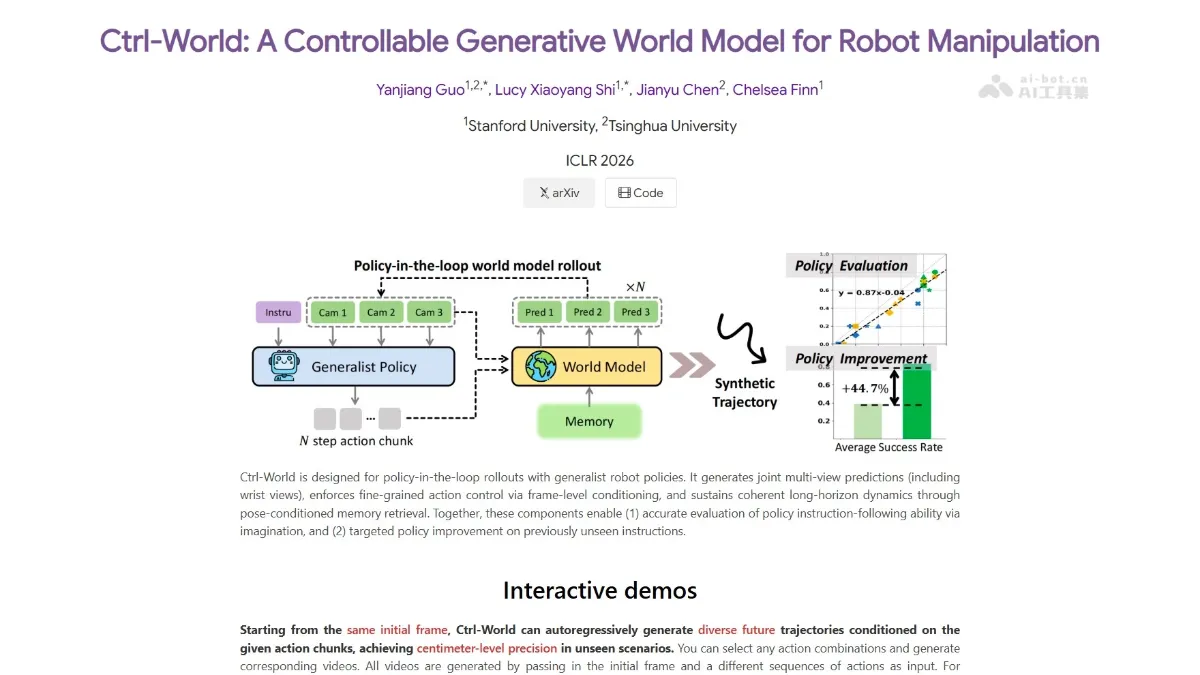
Ctrl-World - An embodied world model jointly developed by Tsinghua University and Stanford University
Ctrl-World, a embodied world model jointly developed by Chen Jianyu from Tsinghua University and Chelsea Finn`s team from Stanford University, achieved first place globally in embodied task capability and second place globally in video generation quality in the authoritative WorldArena evaluation. The model employs a motion-conditional architecture and physics engine constraints, explicitly injecting robotic arm motion parameters into the generation process, achieving centimeter-level trajectory accuracy, a policy evaluation consistency of 0.986, and a consistency of 0.93...