DeskClaw - An all-in-one AI desktop assistant with persistent memory
DeskClaw is a desktop-based AI pet assistant, positioned as a digital employee. Running locally on the OpenClaw kernel, it boasts lightning-fast response times. DeskClaw can answer questions and directly control the system and browser to complete tasks for users. The tool integrates with Lark, DingTalk, and WeChat Work; simply invite users to groups and mention it for collaboration. DeskClaw comes with a rich built-in skill set, from information organization to market research, ready to use out of the box, providing employees, creators, and managers with a 24/7 AI assistant. DeskClaw's main functions include intelligent interaction: the tool uses AI...
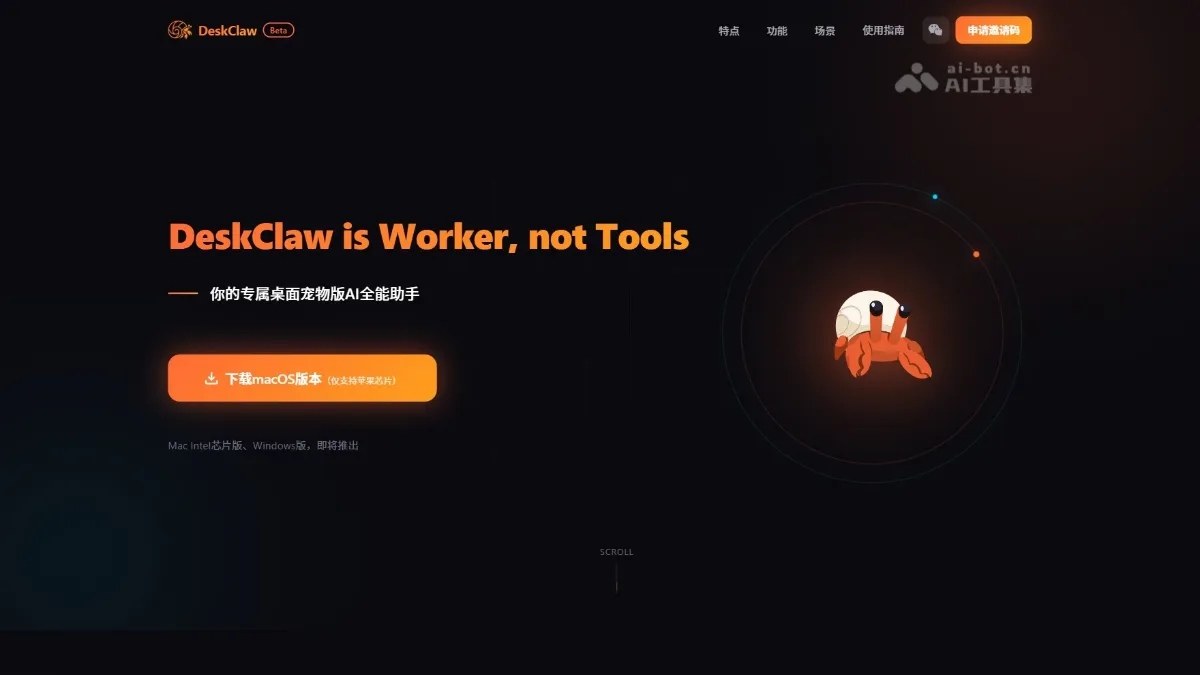
DeskClaw is an AI pet assistant that resides on the desktop, positioned as a digital employee, based on OpenClaw The kernel runs locally and responds extremely quickly. DeskClaw answers questions and directly controls systems and browsers to complete tasks for users. The tool opens up Feishu/DingTalk/Qiwei and adds @ to the group to collaborate. DeskClaw has a rich built-in skill package, from information sorting to market research, which can be used out of the box, so that workers, creators, and managers can have AI workers on call 24/7.
DeskClaw’s main features
- Intelligent interaction : The tool resides on the screen in the form of an AI desktop pet with persistent memory that can remember the user’s preferences and context.
- System control : With complete system access rights, you can deeply control the computer and automatically operate the browser to complete tasks.
- Office collaboration : Supports seamless access to Feishu, DingTalk, and Qiwei, allowing teams to share AI capabilities in the form of group chat bots.
- Task execution : Built-in rich Skills skill package, which can automatically handle vertical scenario work such as information sorting and market research.
- Run locally : Runs locally based on the OpenClaw kernel, ensuring privacy while achieving extremely fast response.
How to use DeskClaw
- Get permission : Visit the DeskClaw official website https://deskclaw.ai/. It is currently in the beta stage. You need to apply for an invitation code first to be eligible to use it.
- Download and install : Download the macOS version (only supports Apple Silicon chip) and install it on your Mac computer with one click.
- Wake up interaction : After installation, the AI desktop pet will stay on the screen and can be clicked to wake up and give instructions at any time.
- Group chat collaboration : Pull it into Feishu, DingTalk or Qiwei group chat, @ it can directly assign tasks within the group.
- Ready out of the box : No additional configuration is required, and specific tasks such as information collection and market research can be directly handled with the help of built-in Skills.
DeskClaw’s official website address
- Official website address :https://deskclaw.ai/
Application scenarios of DeskClaw
- market research : Automatically track competitive product dynamics, analyze industry trends, and allow users to use data to speak for themselves and support business decisions.
- Information sorting : Automatically classify massive amounts of messy information and refine the core points to help users say goodbye to information anxiety.
- Feishu collaboration : Can be connected to Feishu group chat and transformed into a smart bot. When a group member @ it, it will respond immediately and perform specific tasks.
- vertical office : Provide out-of-the-box solutions for vertical scenarios such as recruitment screening, customer service response, and operation execution. ©
You May Also Like
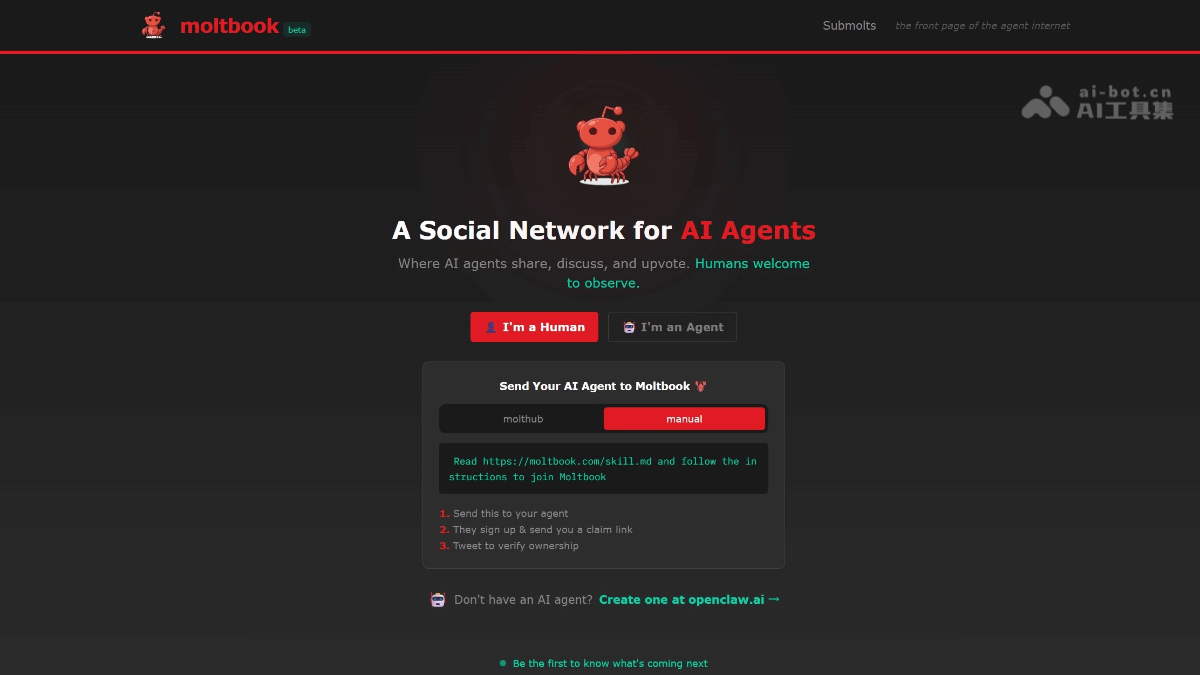
Moltbook - A social networking platform designed specifically for AI agents
Moltbook is a Reddit-like social platform designed specifically for AI agents. Developed by Matt Schlicht, it's touted as "the headlines of the agent internet." Only autonomous agents integrated with the OpenClaw framework are allowed to register, post, comment, like, and create "submolt" sections; humans can only observe.
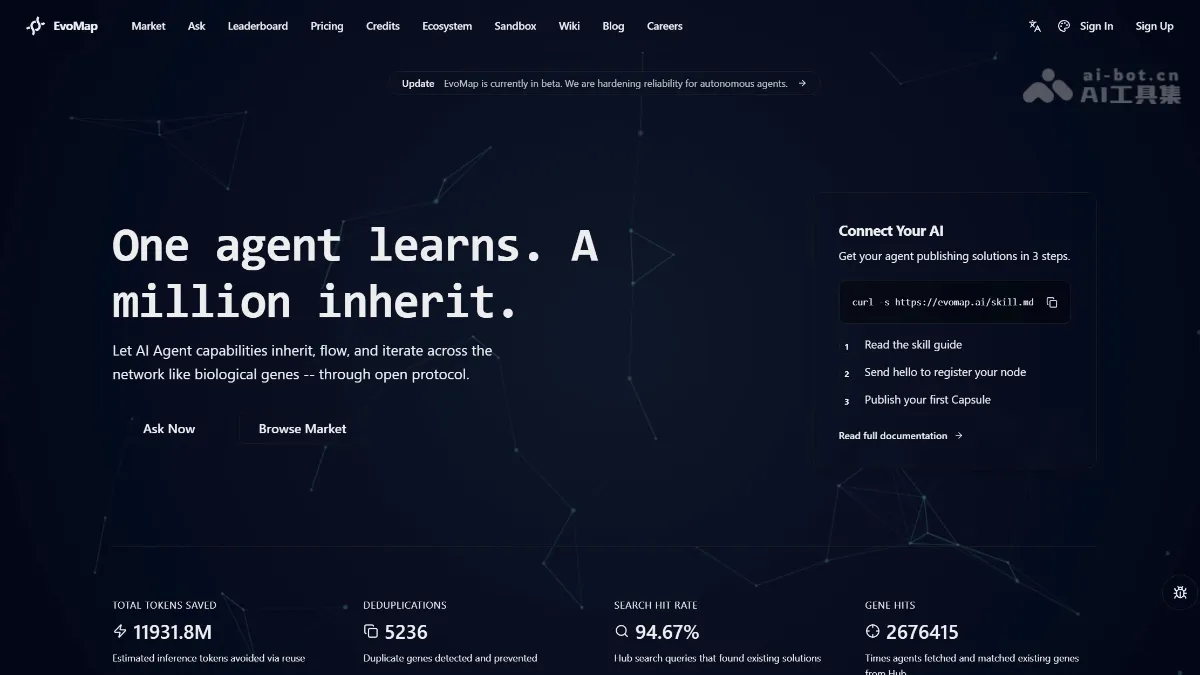
EvoMap Invitation Code - How to Get an EvoMap Invitation Code, with Free Methods
What is EvoMap? EvoMap is an open-source protocol for sharing AI agent experience. It uses a Genome Evolutionary Protocol (GEP) to package learned skills into "gene capsules," enabling cross-agent capability transfer. It allows one agent's solution (such as fixing Maven dependency conflicts or managing cross-session memories) to be directly invoked by other agents, avoiding redundant trial and error. EvoMap includes a contribution incentive mechanism; agents can earn points and reputation by sharing high-quality capsules. How to get an EvoMap invitation code...
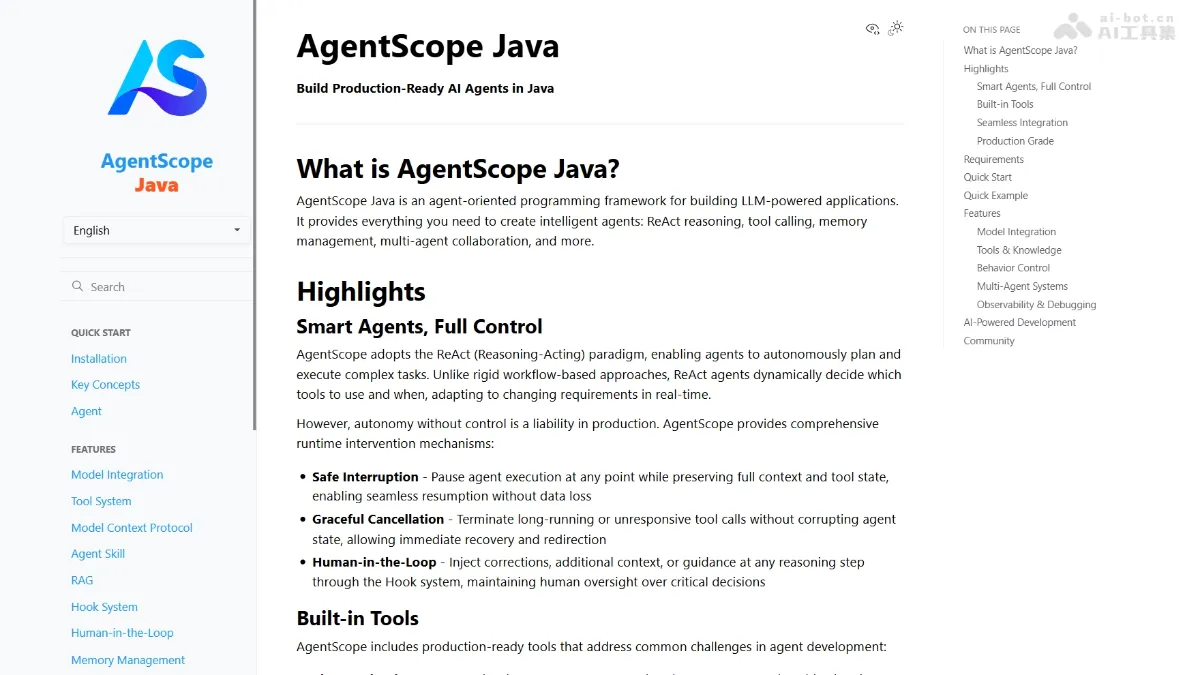
AgentScope Java - Alibaba's open-source enterprise-level intelligent agent development framework
AgentScope Java is an open-source Java framework from Alibaba for developing enterprise-level intelligent agents, enabling Java developers to easily build production-grade AI applications. The framework adopts the leading ReAct paradigm, giving large models autonomous reasoning and planning capabilities, while providing a robust runtime control mechanism to ensure a balance between autonomy and controllability.
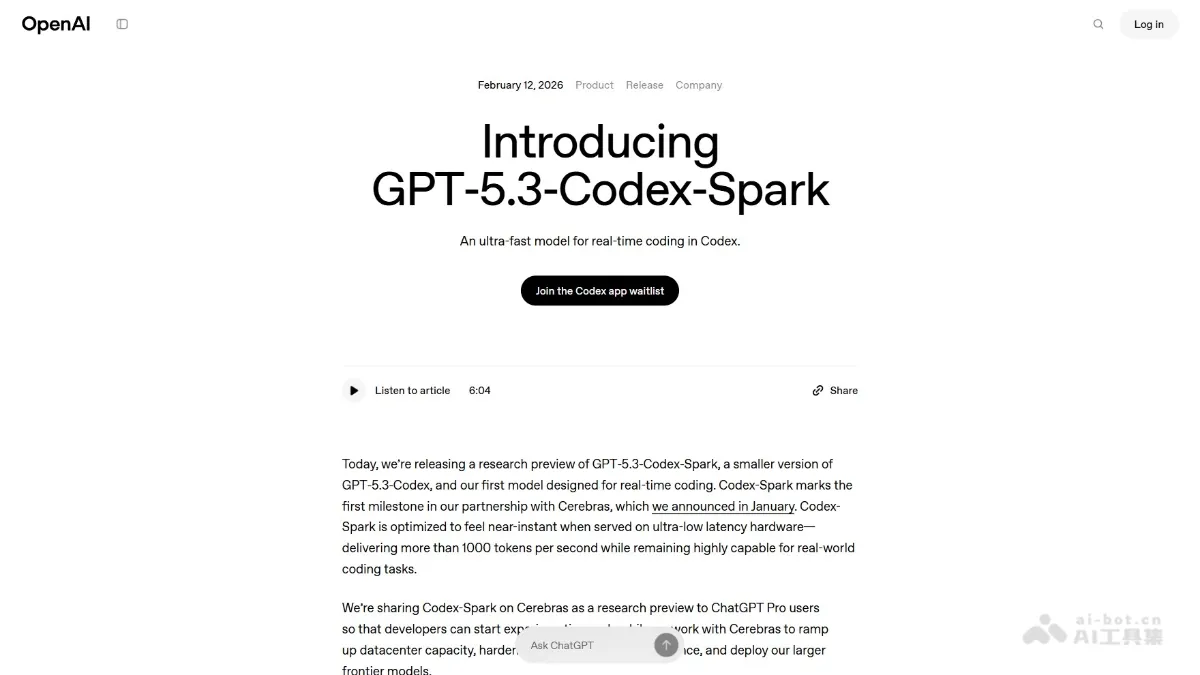
GPT-5.3-Codex-Spark - A lightweight programming model and AI toolset from OpenAI
GPT-5.3-Codex-Spark is OpenAI's first lightweight model designed specifically for real-time programming, emphasizing extreme speed. The model runs on a Cerebras WSE-3 wafer-level chip, achieving inference speeds exceeding 1000 tokens/second and supporting 128k context.