Happy - An open-source AI programming remote control tool for real-time status monitoring
What is Happy? Happy is an open-source tool that allows users to remotely control Claude Code or Codex running on their computers via mobile phones or web clients. It supports real-time code progress monitoring, voice interaction, and push notifications, and employs end-to-end encryption to ensure data security. Users simply need to install the CLI on their computers, start the service, and scan a QR code with their mobile phones to complete pairing, achieving seamless switching across devices.
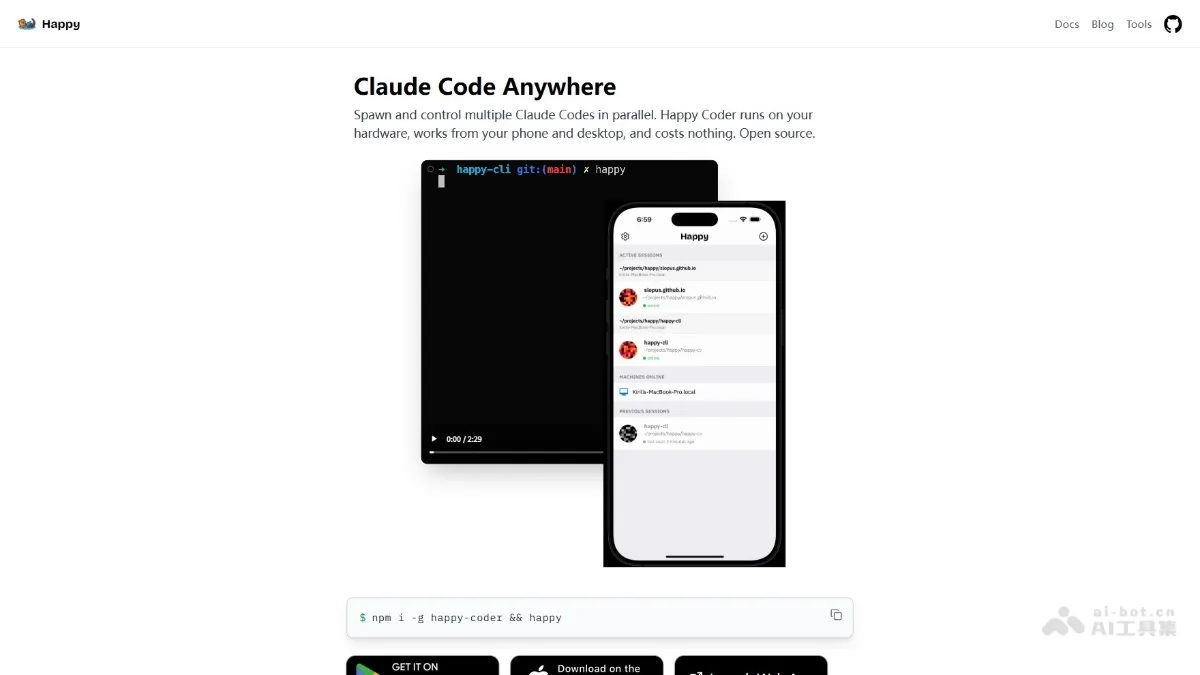
Happy is an open source tool that allows users to remotely control programs running on their computers through mobile phones or web clients. Claude Code or Codex . It supports real-time viewing of code progress, voice interaction, and message push, and uses end-to-end encryption to ensure data security. Users only need to install the CLI on their computer to start the service, and scan the QR code on their mobile phone to complete pairing, achieving seamless switching across devices. Happy Coder provides developers with a high degree of flexibility and convenience, and is suitable for users who need to monitor development tasks anytime and anywhere.
Happy’s main functions
- Remote monitoring and control : Through the mobile phone or web client, users can remotely view the real-time status of Claude Code or Codex running on the computer.
- Seamless switching across devices : Users can seamlessly switch operations between mobile phones and computers. Use mobile phones to monitor when leaving the computer, and take over with one click when returning to the computer.
- Push messages and real-time notifications : When the AI requires permission confirmation or encounters an error, the phone will receive a push notification and the user can handle it directly on the phone.
- End-to-end encryption : All data transmission uses end-to-end encryption technology to ensure the security of code and data.
- Multitasking support : Users can manage multiple development tasks at the same time, and each task runs independently without interfering with each other.
How to useHappy
- Install CLI tools : Open a terminal or command prompt on your computer and run the command
npm install -g happy-coder, complete the installation of the Happy Coder command line tool. - Start the service and generate a QR code : After the installation is complete, enter in the terminal
happyorhappy codexStart the service and the terminal will generate a QR code for device pairing. - Install client : Visit Happy Coder’s official website https://happy.engineering/ and download the client as needed.
- Scan the QR code to complete pairing : Open the Happy app on your phone, scan the QR code displayed on the computer terminal, and complete the connection between your phone and computer.
- Get started : After successful pairing, you can check the code running status, send instructions and receive notifications in real time through your mobile phone. If you need to switch back to computer operation, just press any key on the computer keyboard.
Happy’s project address
- Project official website :https://happy.engineering/
- GitHub repository :https://github.com/slopus/happy
Happy application scenarios
- Mobile development monitoring : Developers can check the progress of programming tasks running on the computer in real time through their mobile phones when they are out, in meetings or taking a break.
- Remote collaborative development : Team members who are not in the same location can remotely monitor and manage development tasks through mobile phones or web clients to improve collaboration efficiency.
- Multi-task management : When running multiple development tasks at the same time, developers can switch to view the progress of different tasks through Happy on their mobile phones, making it easier to manage multiple projects.
- Respond quickly to issues : When an AI programming tool requires permission confirmation or encounters an error, developers can receive notifications and handle them immediately on their mobile phones to avoid task interruption.
- Program anytime, anywhere : Without a computer, developers can directly interact with AI programming tools through their mobile phones, send instructions or adjust codes, improving development flexibility. ©
You May Also Like
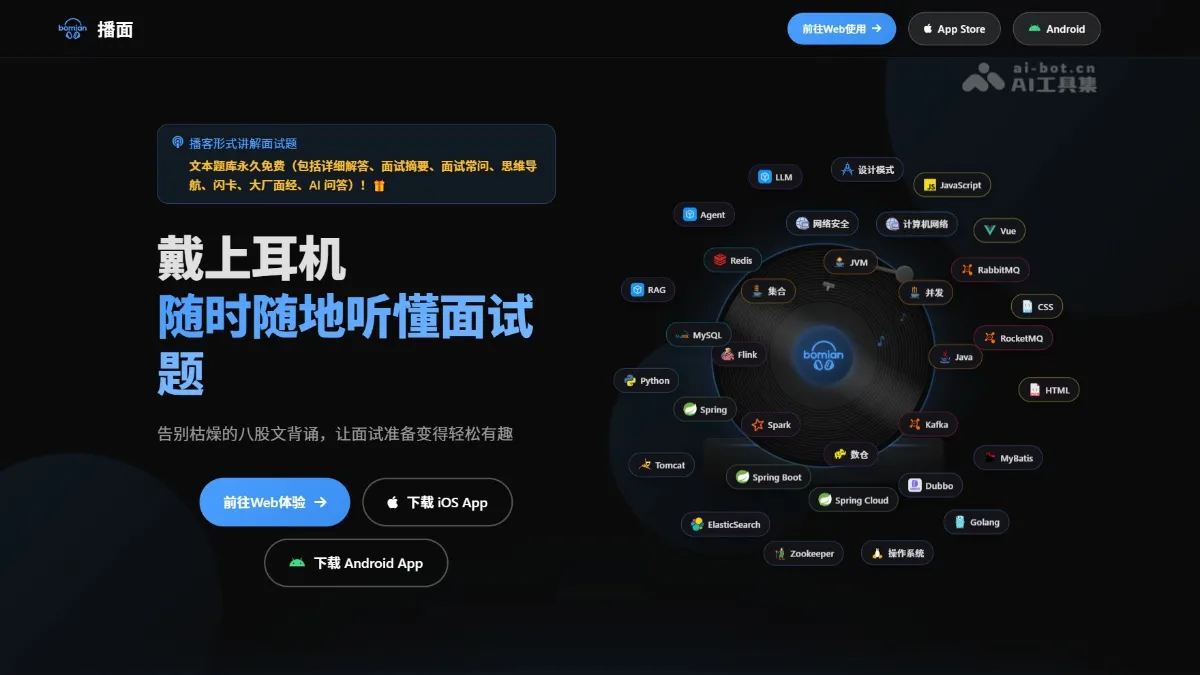
BoMian - An AI-powered interview preparation tool that supports in-depth AI-driven questioning and answering
What is broadcasting...?
Nanobot - An open-source personal AI assistant from the Data Science Lab at the University of Hong Kong
Nanobot is an ultra-lightweight personal AI assistant open-sourced by the Data Intelligence Laboratory at the University of Hong Kong. It fully replicates the core functionality of the OpenClaw agent in approximately 4,000 lines of code. Nanobot possesses capabilities such as web search, file operations, scheduled tasks, and a memory mechanism, supporting scenarios including 24/7 real-time market analysis, full-stack development, schedule management, and personal knowledge bases.
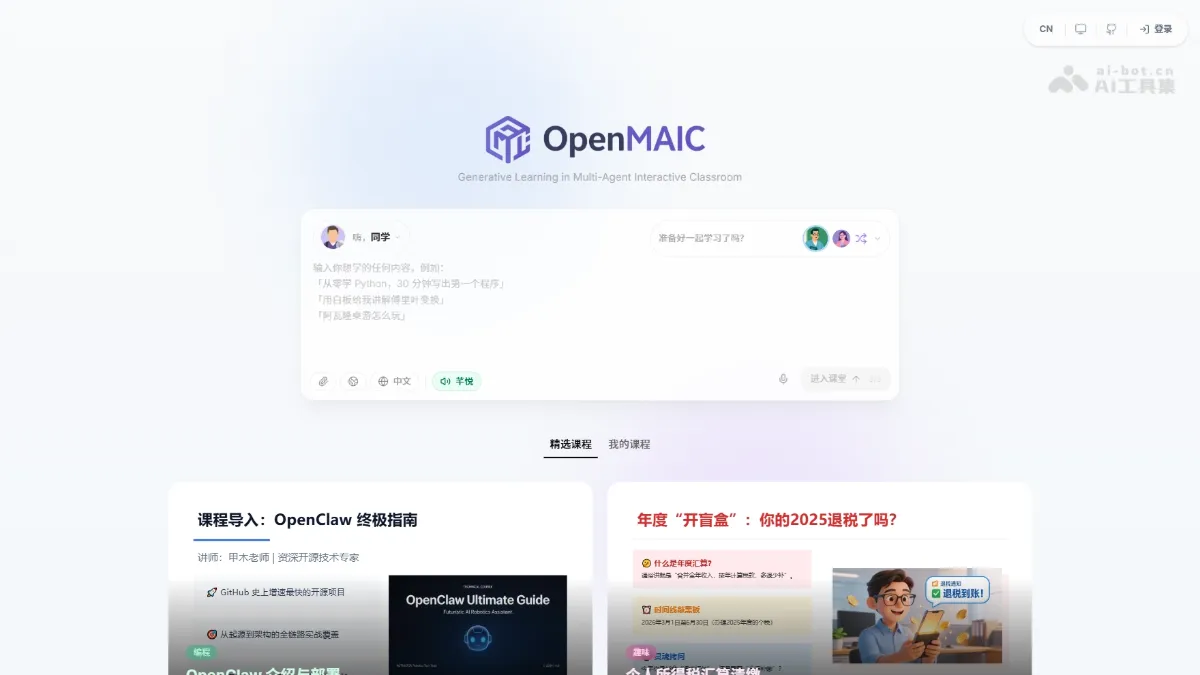
OpenMAIC - Tsinghua University's open-source multi-agent AI classroom platform
OpenMAIC is an open-source multi-agent AI classroom platform developed by a Tsinghua University team. It can transform any topic or document into an immersive interactive course with a single click. The platform supports AI teachers giving voice lectures, AI students raising their hands to discuss, and real-time drawing on the whiteboard. It can generate various teaching scenarios such as slides, quizzes, interactive simulations, and project-based learning.
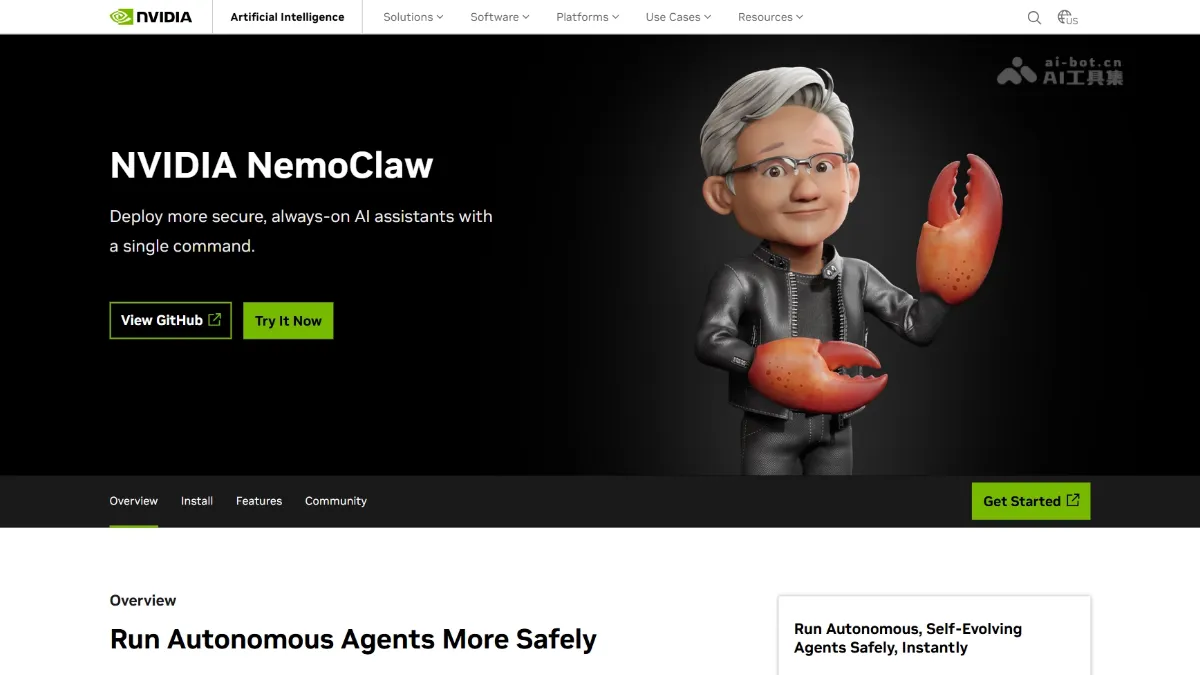
NemoClaw - NVIDIA's open-source enterprise-grade AI agent framework
Homepage • AI Tools • AI Projects and Frameworks • NemoClaw - NVIDIA's Open-Source Enterprise-Grade AI Agent Framework NemoClaw is an open-source enterprise-grade AI agent framework from NVIDIA. Running as a plugin for OpenClaw, NemoClaw provides a security sandbox and policy engine through the OpenShell runtime, addressing the challenges of enterprise AI...