KeyVox - A PC AI voice assistant that supports remote PC control via mobile phone and WeChat
KeyVox is an AI voice assistant built on PC operating systems, supporting both Mac and Windows. This tool replaces keyboard and mouse as the primary means of computer operation with voice; simply speaking the name of an application or website will open it directly, and selecting text or files and stating your request will execute actions such as compressing images, capturing videos, converting formats, and rewriting text.
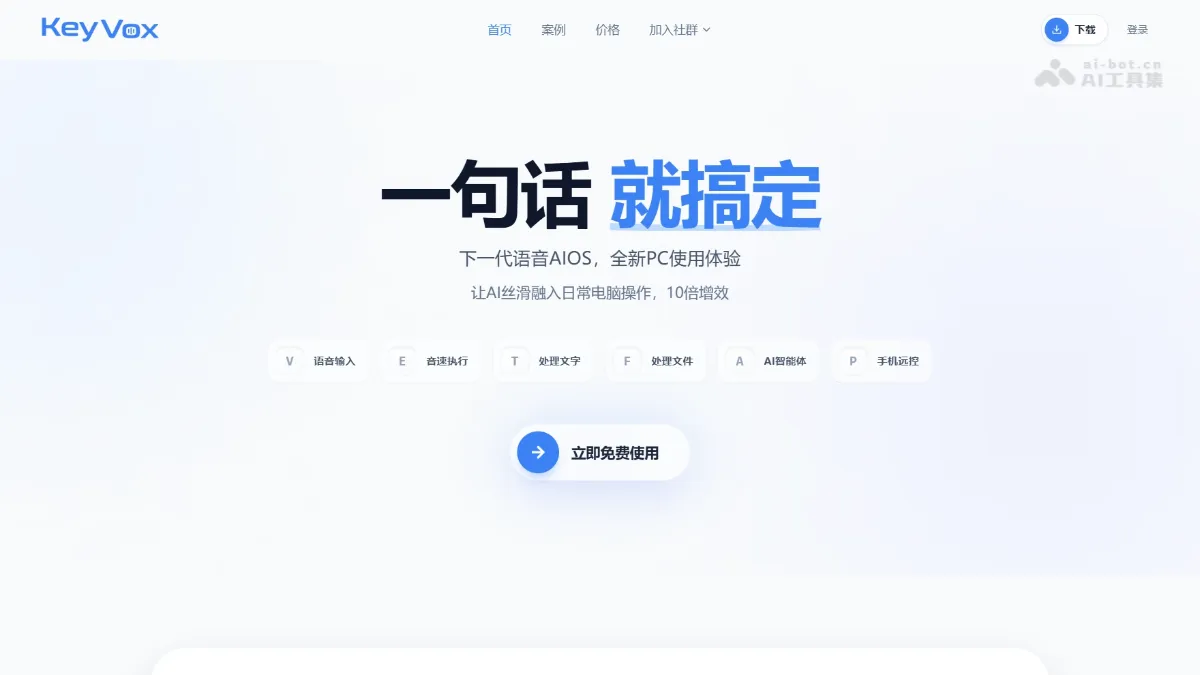
KeyVox is an AI voice assistant built on the PC operating system, supporting Mac and Windows. The tool changes the computer operation interface from keyboard and mouse to voice. You can speak the name of an application or website to open it directly. Select text or files and speak the requirements to execute: compress pictures, capture videos, convert formats, rewrite text, etc. KeyVox has a built-in skill library that is dynamically called and supports WeChat remote control on the mobile phone. After the task is completed, the results are sent back to the mobile phone. The tool supports local execution to ensure privacy and millisecond-level response, allowing AI to be smoothly integrated into daily office work.
KeyVox’s main features
- Voice input : Supports intelligent speech recognition, automatic error correction and filtering of modal particles, and can switch tone styles or customize roles according to application scenarios.
- sonic execution : Just speak the name of a website or app to open it instantly, trigger a search with your voice, quickly enter complex text, or directly execute shortcut key commands.
- Process text : Supports real-time translation, explanation of terminology and slang, and summary of long articles. Select any text and speak your needs to get the results.
- Process files : Use voice commands to process images, audio and video, PDF and Office documents, including dozens of operations such as cutout, compression, format conversion, splitting and merging.
- AI agent : Complete various complex tasks such as file sorting, document writing, life inquiry, AI generated creation and system management in one sentence.
- Mobile phone remote control : Remotely control the computer through WeChat to perform operations such as locking the screen, searching for files, editing documents, etc. After the task is completed, the results will be automatically sent back to the phone.
How to use KeyVox
- Download and install : Visit the keyvox official website https://keyvox.ai/ to download the corresponding Mac or Windows version to complete the installation.
- Register and log in : After opening the software, register an account and complete the login to obtain free usage rights.
- Voice wake-up : Click on the interface or press the set shortcut key to activate the voice input mode and wait for instructions.
- State the needs : Use natural language to say the operation you want to perform, such as “Open Bilibili” or “Compress this picture.”
- Automatic execution : After KeyVox recognizes the intention, it automatically calls the corresponding skill and completes the processing locally or in the cloud.
- Get results : After the processing is completed, view the results directly on the computer, or receive remote task feedback through the bound WeChat.
Application scenarios of KeyVox
- Efficient office : Supports voice opening of applications, searching for information, entering complex addresses or triggering shortcut keys while keeping hands on the keyboard, greatly improving operational efficiency.
- content creation : Use voice commands to quickly complete multimedia processing tasks such as image cutout, video compression and editing, format conversion, and AI-generated PPT.
- Document processing : In one sentence, you can split and merge PDFs, edit Office documents, and translate long articles without having to manually find the function entrance.
- remote collaboration : Use WeChat to remotely lock the screen, search for files, and create documents when you are out, and automatically receive the results to your phone after the task is completed.
- Intelligent query : Query daily life information such as weather, stocks, express delivery, and air tickets through voice, or use creative tools such as AI drawing, dubbing, and composing. ©
You May Also Like

InternVL-U - An open-source multimodal integrated model from Shanghai AI Lab and other sources
InternVL-U is a lightweight, unified multimodal model with 4B parameters, open-sourced by the Shanghai Artificial Intelligence Laboratory in collaboration with several top universities. It achieves an end-to-end closed loop of "understanding-reasoning-generation-editing" for the first time. The model employs three core designs: unified contextual modeling, modality-specific modularization, and decoupled visual representation, overcoming the bottlenecks of high training costs and uneven capabilities in traditional models. The model surpasses 14B-level models in complex scenarios such as text rendering, scientific reasoning, and spatial modeling. Its GenExam benchmark score of 22.9 for scientific image generation leads all open-source unified models, providing a significant advantage for scenarios such as scientific research and education, intelligent office work, and creative content creation.
OpenJarvis - Stanford University's open-source native AI agent framework
OpenJarvis is an open-source, local AI agent framework developed by the Scaling Intelligence Lab at Stanford University. Its core concept is to make AI execution completely localized, with cloud access as an option. The framework provides five main modules: a unified model directory layer, a hardware-aware inference engine, an agent orchestration system, tool memory, and learning optimization. It can be installed with a single click using `pip install openjarvis` and offers four interaction methods: browser, desktop application, Python SDK, and CLI.

SoulX-FlashTalk - Soul App's open-source real-time digital human generation model
SoulX-FlashTalk is the first 14-parameter real-time digital human generation model open-sourced by Soul App's AI team, achieving sub-second latency of 0.87 seconds and a high frame rate of 32fps. The model employs bidirectional streaming distillation and a multi-step self-correction mechanism to achieve stable generation for unlimited duration, full-body motion interaction, and multi-language support. It is suitable for 24/7 live streaming, virtual customer service, game NPCs, and other scenarios. The model has already entered the HuggingFace I2V trending list...
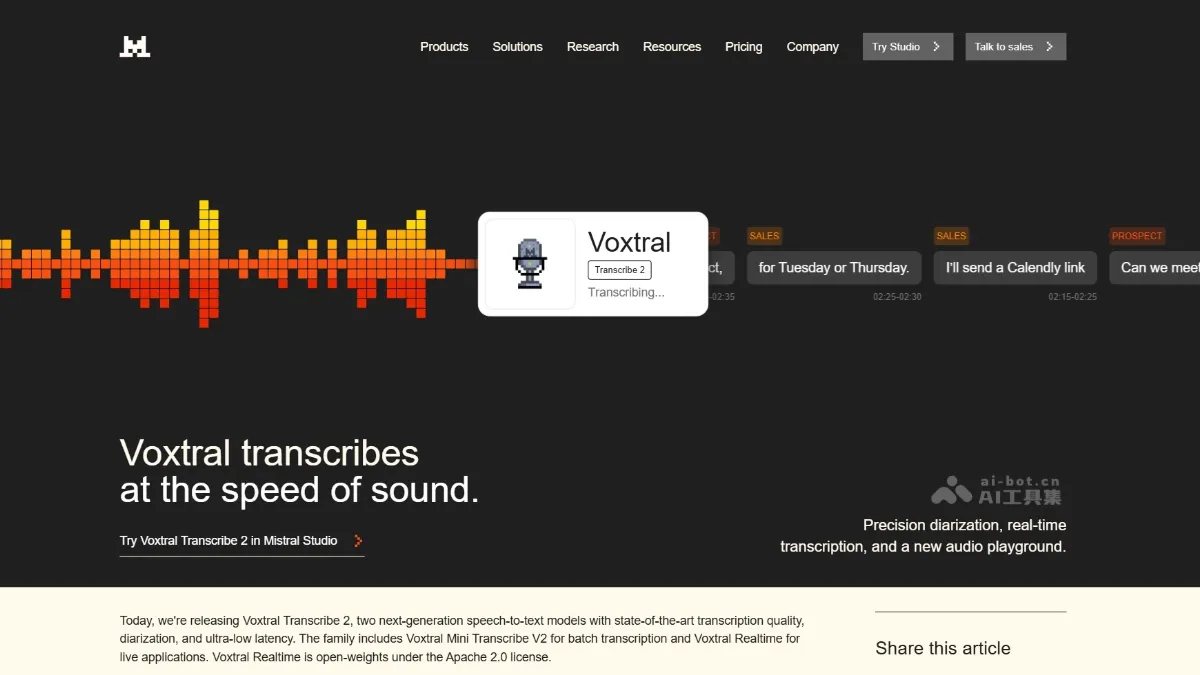
Voxtral Transcribe 2 - A series of speech-to-text models launched by Mistral AI
Voxtral Transcribe 2 is a new generation of speech-to-text models launched by Mistral AI, including two versions: Voxtral Mini Transcribe V2 focuses on batch transcription and supports 13 languages, speaker separation, word-level timestamps, and context bias.