Kilo CLI 1.0 - An open-source command-line tool from Kilo Code
Kilo CLI 1.0 is an open-source command-line tool from Kilo Code, designed specifically for agent engineering. Built on OpenCode, it supports over 500 AI models, allowing developers to freely choose models based on their task requirements.
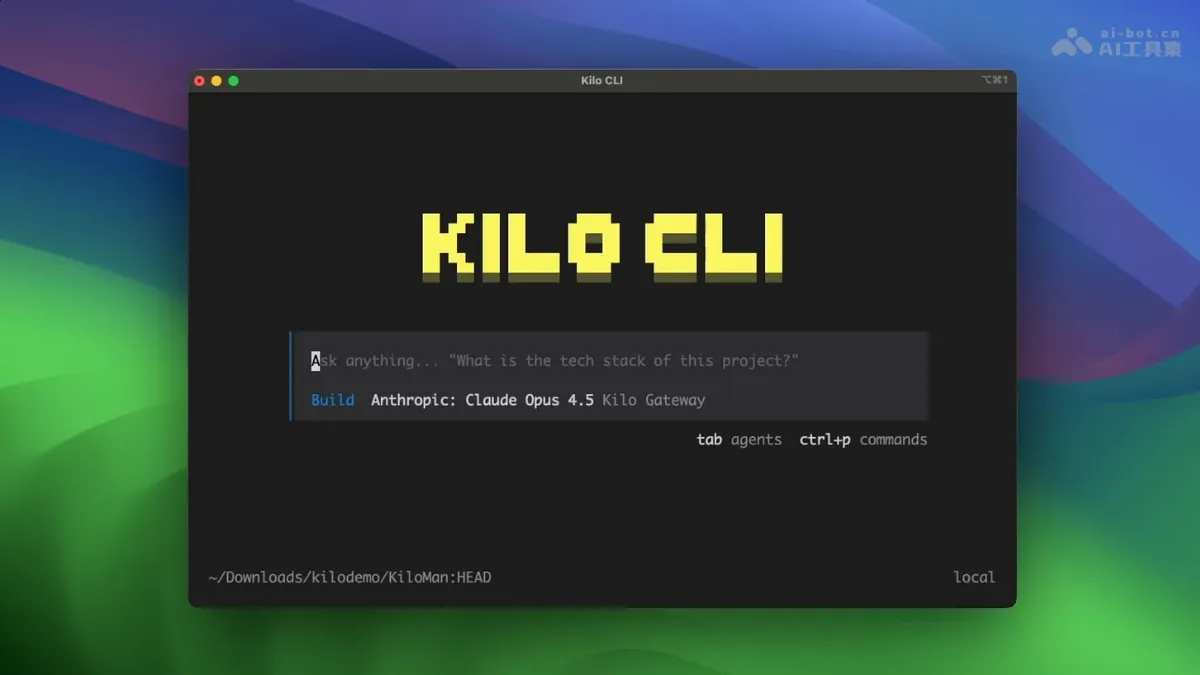
Kilo CLI 1.0 Yes Kilo Code An open source command line tool launched, specially designed for agent engineering. Tool based on OpenCode Built to support 500+ AI models, developers can freely select models based on task requirements. The tool can achieve a seamless cross-platform experience, share configurations with VS Code and JetBrains plug-ins, and support SSH remote development scenarios. Kilo CLI 1.0 terminal native design allows engineers to use it in any environment AI-assisted programming.
Key features of Kilo CLI 1.0
- Free choice of models : With access to 500+ AI models, developers can flexibly switch between different models according to task requirements, and independently weigh cost, latency, context length, and reasoning capabilities to avoid being locked in by a single supplier.
- Terminal native experience : Designed specifically for the command line environment, it supports connecting to remote servers through SSH, ensuring that engineers can obtain complete AI programming assistance capabilities in pure terminal scenarios.
- Cross-platform synchronization : Share user configuration and session status with VS Code and JetBrains plug-ins to achieve seamless switching between different development environments and continue your previous work anytime and anywhere.
- Completely open source : Built on the OpenCode project and released under the MIT license, the code can be freely viewed, modified and integrated.
- Agent workflow : Supports AI code review, session sharing, Cloud Agents remote execution and other functions, covering the complete development life cycle from coding to deployment.
Technical principles of Kilo CLI 1.0
- Open source infrastructure : Kilo CLI 1.0 builds a technical base based on the OpenCode open source CLI. OpenCode is an MIT-licensed terminal native agent coding tool that provides a high-performance TUI infrastructure, allowing Kilo to directly use its mature terminal interaction capabilities.
- Model-agnostic platform integration : The tool is deeply integrated with Kilo’s model-agnostic platform, accessing 500+ AI models through a unified abstraction layer, allowing developers to dynamically switch models from different vendors in a single session, and the system automatically routes to the optimal inference endpoint based on task requirements.
- client-server architecture : Adopting a client-server architecture design, with OpenCode server as the local runtime core and Kilo CLI as the front-end interaction layer. The two communicate through standardized protocols. The separated architecture supports future expansion of remote execution and cloud proxy functions.
- Cross-platform status synchronization : Cross-device status synchronization is achieved through the central service of the Kilo platform. User’s configuration preferences, conversation history and workspace context are consistent in real time between CLI, VS Code and JetBrains plug-ins, ensuring that developers can seamlessly continue the workflow at any entry point.
How to use Kilo CLI 1.0
- Install globally via npm :
npm install -g @kilocode/cli- start : Run in the project directory:
KiloThe tool automatically detects the code repository and initializes the environment.
Kilo CLI 1.0 project address
- Project official website :https://blog.kilo.ai/p/kilo-cli
Application scenarios of Kilo CLI 1.0
- Multi-model strategy execution : Dynamically select the optimal model for different tasks, use lightweight models to quickly generate code snippets, and use strong inference models to handle complex architecture designs to achieve the best balance between cost and performance.
- Cross-device workflow switching : Start a coding session through the CLI during your commute, continue seamlessly in VS Code when you return to your workstation, or share it with teammates via Slack to collaborate, keeping the context consistent throughout the process.
- Emergency troubleshooting of production environment : Directly connect to the production server through the terminal at 2 a.m., and use AI to quickly analyze logs, locate faults and generate repair plans without building a complex development environment.
- Open source tool chain integration : Based on the MIT licensed code base, enterprises can deeply customize CLI behavior, embed it in internal DevOps pipelines or integrate with other tool chains. ©
You May Also Like
HiClaw - Alibaba Cloud's open-source multi-agent team collaboration system
HiClaw is an open-source agent-based team collaboration system from Alibaba, positioned as a "Team version of OpenClaw." The system introduces a Manager Agent as an AI steward, automatically coordinating multiple Worker Agents to complete complex tasks. HiClaw's core highlights include: Workers do not hold real credentials (only Consumer Tokens), ensuring secure isolation and preventing leaks; a built-in Matrix server allows for real-time monitoring and intervention via mobile phone; and conversational creation...
Voxtral Transcribe 2 - A series of speech-to-text models launched by Mistral AI
Voxtral Transcribe 2 is a new generation of speech-to-text models launched by Mistral AI, including two versions: Voxtral Mini Transcribe V2 focuses on batch transcription and supports 13 languages, speaker separation, word-level timestamps, and context bias.
Gemini 3.1 Flash-Lite - Google's Lightweight Flagship Model
The Gemini 3.1 Flash-Lite is Google's lightweight flagship model, emphasizing extreme cost-effectiveness. With an output speed of 363 tokens per second and an input price of $0.25 per million tokens, it outperforms the GPT-5 mini by 5 times in speed, and costs a quarter of the price of the Claude 4.5 Haiku.
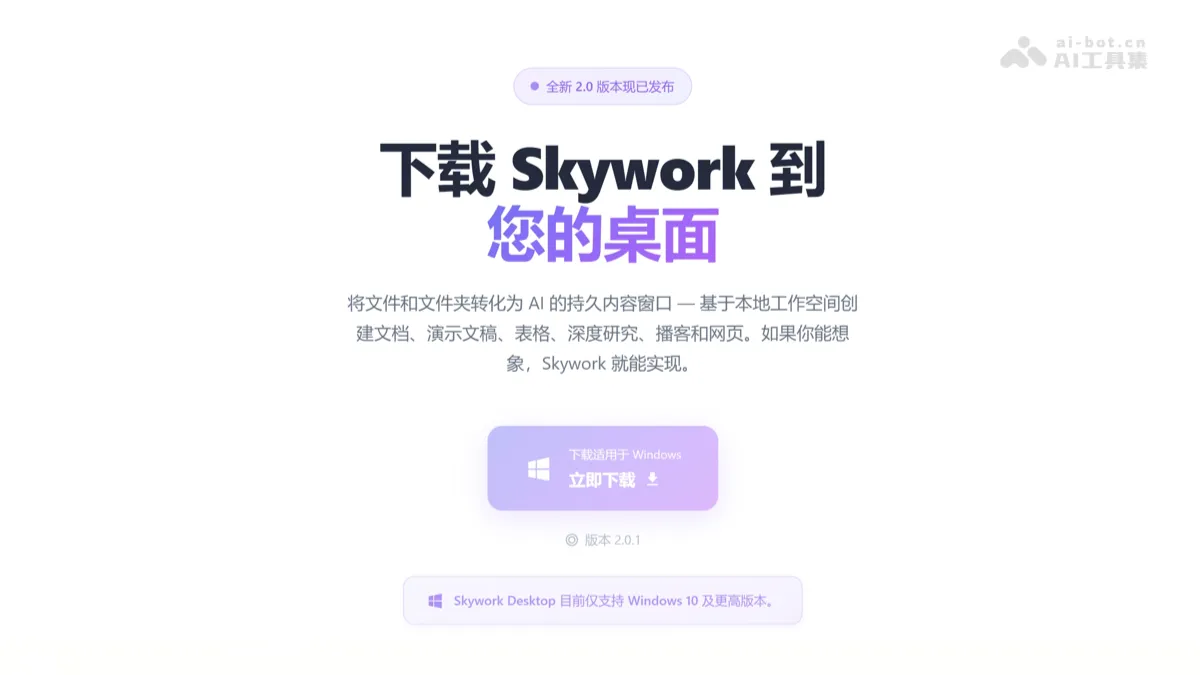
Skywork Desktop - A native desktop AI agent and toolset from Kunlun Tiangong.
Skywork Desktop is a native Windows AI Agent developed by Kunlun Tiangong, supporting local file processing and cross-format office automation. Users can directly read massive amounts of files such as documents, spreadsheets, PPTs, images, and videos from their computers without uploading to the cloud, and perform intelligent classification, content extraction, and multimodal generation.