Skywork Desktop - A native desktop AI agent and toolset from Kunlun Tiangong.
Skywork Desktop is a native Windows AI Agent developed by Kunlun Tiangong, supporting local file processing and cross-format office automation. Users can directly read massive amounts of files such as documents, spreadsheets, PPTs, images, and videos from their computers without uploading to the cloud, and perform intelligent classification, content extraction, and multimodal generation.
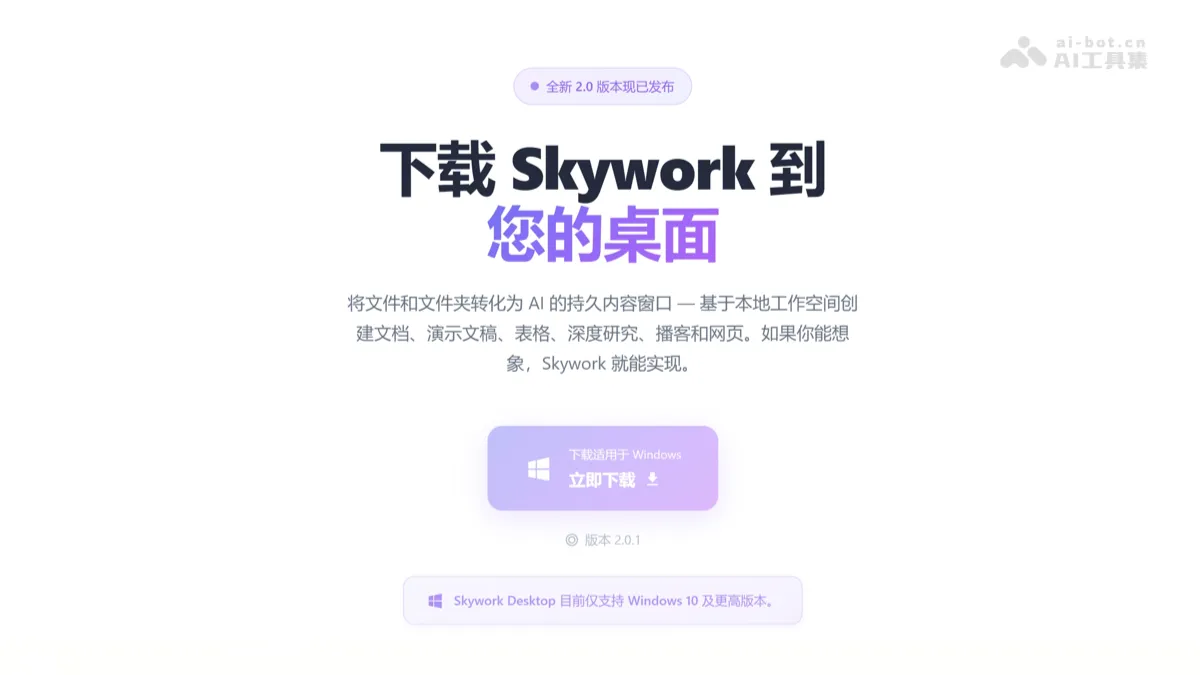
Skywork Skywork Desktop **) is a Windows native AI Agent launched by Kunlun Tiangong, which supports local file processing and cross-format office automation. Users do not need to upload to the cloud, but can directly read massive files such as documents, tables, PPTs, pictures, videos, etc. in their computers for intelligent classification, content extraction, and multi-modal generation. Skywork desktop version supports free switching between Claude and Gemini models, and has 100+ selected Skills built-in. It can automatically complete complex tasks such as file organization, format conversion, report writing, and web page generation, allowing AI to evolve from “waiting for instructions” to an OS-level intelligent assistant that “actively understands projects”, redefining desktop office efficiency.
Key features of Skywork desktop version
- local file handling : Directly read local Word, Excel, PPT, PDF, pictures, videos and other files on the computer without uploading to the cloud for cross-file content recognition and intelligent classification.
- Work across formats : Supports conversion between multiple formats such as Word, Excel, PPT, and web pages, and automatically extracts key information to generate structured tables or presentations.
- multimodal generation : Automatically generate multi-modal content products such as SEO websites, reports, PPT, and promotional materials based on local documents, pictures and other materials.
- Dual model support :Support Claude Opus 4.5, Claude Sonnet 4.5with Gemini 3 ProFree switching between dual models provides “auto” intelligent routing to automatically match the optimal model.
- Skill expansion : Built-in 100+ selected Skills skill packages, covering the needs of multiple scenarios such as Office three-piece set generation, web page production, image generation, video generation, etc.
How to use Skywork desktop version
- Download and install : Visit the official Skywork desktop version to download the installation package at https://skywork.ai/desktop, and complete local deployment and installation on a Windows computer.
- Open membership :Purchase Skywork Basic membership or Plus membership to get access to the desktop version.
- Start a task : After opening the application, describe the requirements in natural language, such as “organize desktop files and generate directory reports” or “make PPT based on local materials.”
- Configuration options : Manually select the Claude Opus 4.5, Claude Sonnet 4.5 or Gemini 3 Pro model, or enable the “auto” intelligent routing mode to automatically match the optimal model.
- Confirm execution : The system generates an operation list after analyzing the requirements, and the user confirms that it is correct and starts automatically executing the task in the local virtual machine environment.
- Get results : After the task is completed, it is directly output to the local folder, and the user can continue to modify and optimize based on the generated content.
Application scenarios of Skywork desktop version
- File organization and archiving : The application can automatically identify massive local files, intelligently classify, rename and generate a clear directory structure based on semantics.
- Work across formats : Convert Word documents into structured Excel tables, or automatically generate PPT reporting materials with charts based on Excel data.
- Multimedia report generation : Supports reading local pictures, videos and other materials, and automatically writing Word reports or promotional copy with pictures and texts.
- Quickly build website : Based on product documents and picture materials, one-click to generate an SEO landing page including first screen, advantages, price, FAQ and other modules.
- Batch data processing : The application can process dozens to hundreds of files at the same time, completing repetitive tasks such as format unification, information extraction, and content translation. ©
You May Also Like
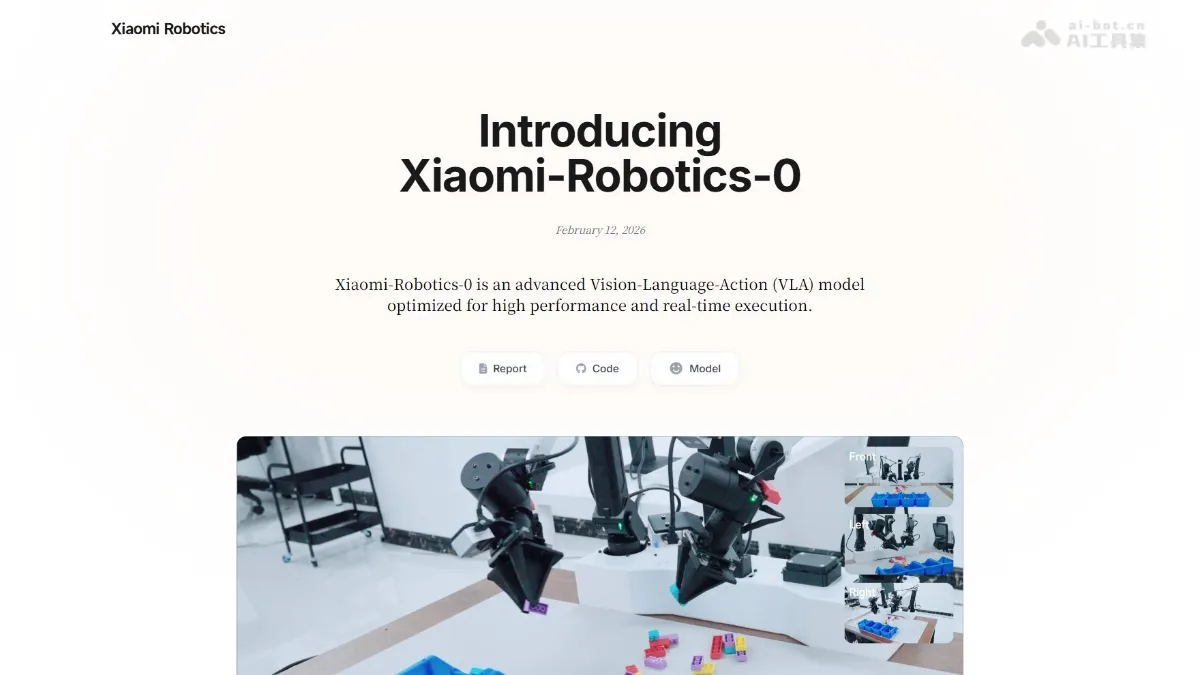
Xiaomi-Robotics-0 - Xiaomi's open-source VLA robot model
Xiaomi-Robotics-0 is Xiaomi's first open-source VLA (Vision-Language-Motion) robot model, boasting 4.7 billion parameters. It employs a MoT hybrid architecture, with the Qwen3-VL multimodal model acting as the "brain" to understand visual and language commands. Diffusion...
Claude Sonnet 4.6 - Anthropic's latest generation AI model
Claude Sonnet 4.6 is Anthropic's latest generation AI model, positioned as a balance between high performance and cost-effectiveness. It features comprehensive upgrades in core capabilities such as programming, computer operation, long text reasoning, and agent planning, with performance approaching that of the flagship Opus 4.6, while its API pricing is only one-fifth of it. Sonnet...
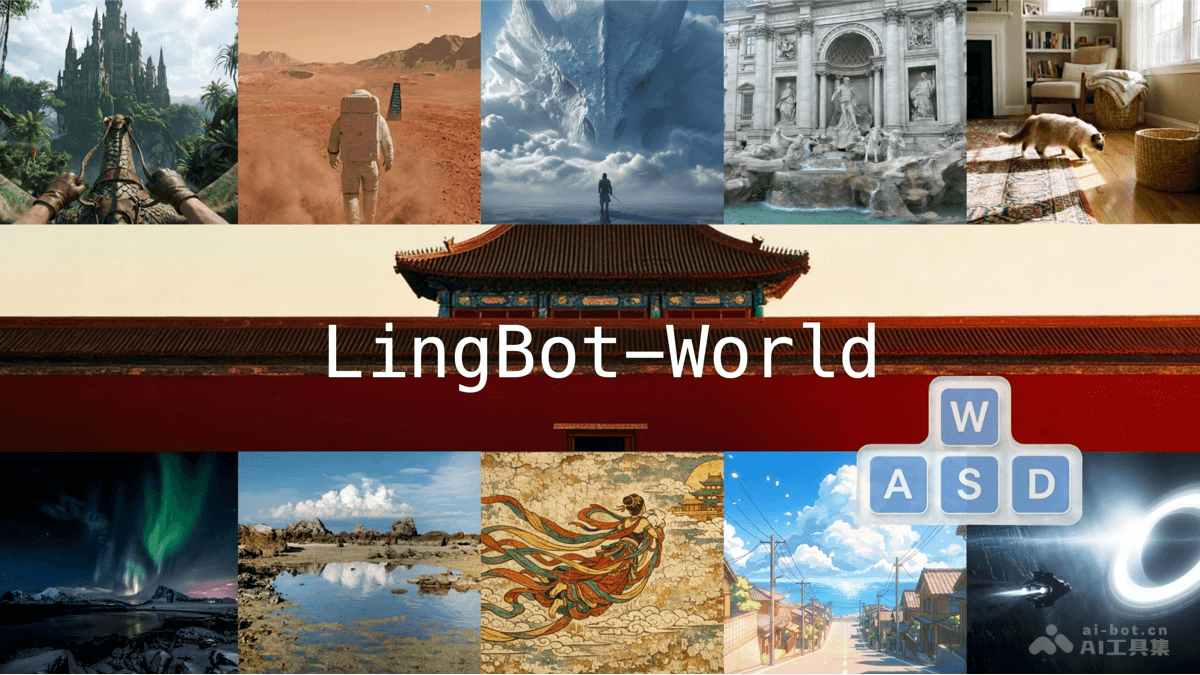
LingBot-World - An open-source interactive world model from Ant Lingbo Technology
LingBot-World is an open-source interactive world model from AntLingbo Technology. The model learns physical laws and causal relationships from large-scale game environments through a scalable data engine, achieving accurate action-driven generation. The model supports nearly 10 minutes of continuous and stable generation, with a response speed of 16 FPS and latency controlled within 1 second, while also possessing zero-shot scene generalization capabilities. The model effectively solves the pain points of scarce and costly real-world training data, and can be widely used in robot training, autonomous driving simulation, and game development, allowing intelligent agents to learn safely and efficiently through trial and error in virtual environments.
Nanobot - An open-source personal AI assistant from the Data Science Lab at the University of Hong Kong
Nanobot is an ultra-lightweight personal AI assistant open-sourced by the Data Intelligence Laboratory at the University of Hong Kong. It fully replicates the core functionality of the OpenClaw agent in approximately 4,000 lines of code. Nanobot possesses capabilities such as web search, file operations, scheduled tasks, and a memory mechanism, supporting scenarios including 24/7 real-time market analysis, full-stack development, schedule management, and personal knowledge bases.