WorkAny Bot - A cloud-based AI agent tool based on the OpenClaw framework
WorkAny Bot is a cloud-based OpenClaw AI agent that supports 24/7 online work for users. WorkAny Bot supports integration with proprietary AI models such as GPT-4, Claude, and Tongyi Qianwen, and can communicate anytime through multiple channels including Telegram, Discord, Lark, and Slack.
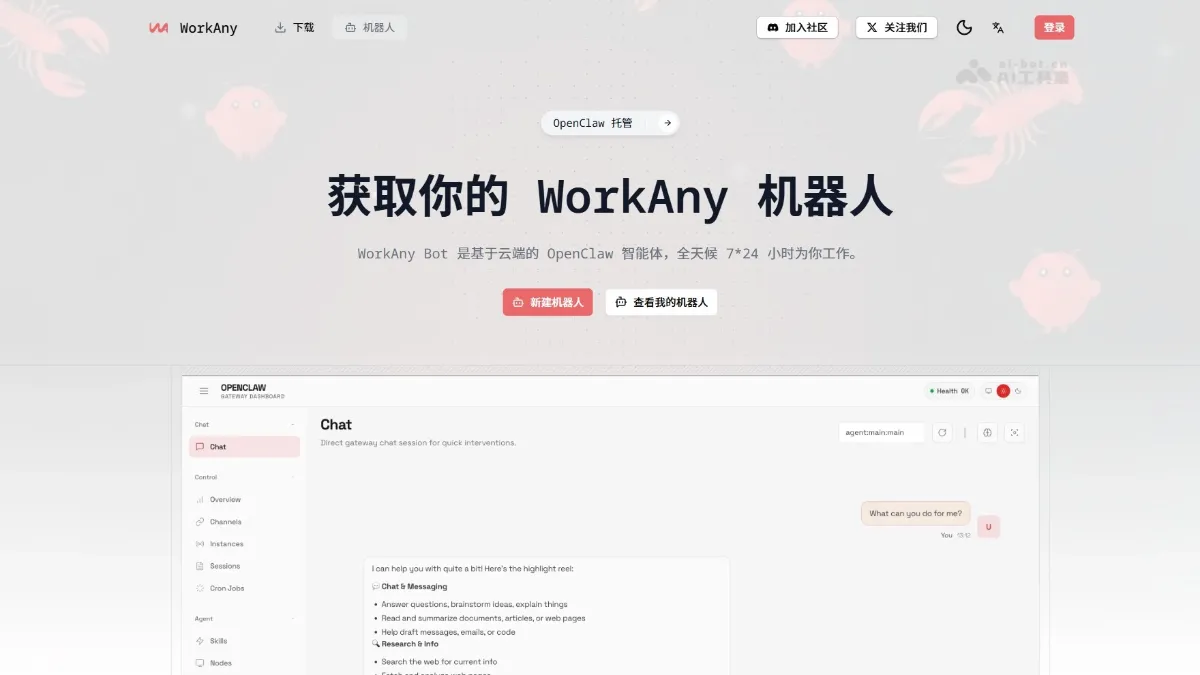
WorkAny Bot is cloud-based OpenClaw AI agent supports 24/7 online work for users. WorkAny Bot supports access GPT-4 , Claude, Tongyi Qianwen and other self-owned AI models, you can have conversations at any time through multiple channels such as Telegram, Discord, Feishu, and Slack. The tool has long-term memory, plug-in expansion, and multi-skill capabilities. It can help users check information, write reports, create web pages, automate tasks, and isolate and store data in a safe and private manner. This allows users to have a dedicated AI assistant that is online around the clock, powerful and trustworthy without having to purchase hardware or deploy their own servers.
Main functions of WorkAny Bot
- Online 24/7 : The robot runs on a cloud server and responds to messages and performs tasks 24/7 without having to keep the local device powered on.
- Model customization : Supports access to any OpenAI-compatible AI model, including providers such as GPT-4, Claude, Tongyi Qianwen, OpenRouter or Silicon Flow.
- Multi-channel access : You can talk to the robot through various instant messaging applications such as Web pages, Telegram, Discord, Slack, WhatsApp, Feishu, iMessage, and Line.
- long term memory : It has persistent storage capabilities, automatically remembers conversation history and user preferences, and provides a personalized and contextually coherent interactive experience.
- Plug-in extension : Supports the installation of plug-in extension functions to realize advanced capabilities such as web search, file processing, code execution, browser automation, and image generation.
- Data security : Using encrypted storage and isolation architecture, user data is stored independently, and only the person can access the conversation content and robot memory to ensure privacy and security.
How to use WorkAny Bot
- Subscription service : Visit the WorkAny official website https://workany.ai/zh/bot, select the hosted version package, and after completing the payment, you will be eligible to create cloud robots.
- Configure the robot : Set the robot name in the console, fill in the API key of your own AI model (supports suppliers such as OpenAI, Anthropic, OpenRouter, Silicon Mobile, etc.), and optionally configure access credentials for instant messaging platforms such as Telegram and Discord.
- Get started : Converse directly with the robot through the generated web link or bound instant messaging application, and enable plug-ins and skills on demand to expand advanced functions such as drawing, search, and automation.
Product Pricing for WorkAny Bot
- Free version : Suitable for technical users to deploy OpenClaw robots to their own machines or cloud servers. It includes basic functions such as web chat interface, plug-in system, agent skills and Moltbook community. All OpenClaw core capabilities can be used without paying.
- Hosted version : The current price is $24.9/month. The cloud-hosted OpenClaw robot includes all free version features, supports the use of its own AI model, independent storage space, long-term memory, 7×24 hour operation and multi-channel access. It is billed annually and can be canceled at any time. It is the most cost-effective and popular choice.
- personal assistant : Currently priced at $169/month, it is a one-stop personal assistant service with built-in AI models and agent skills. It includes all cloud robot functions and provides professional support. It is billed annually and can be canceled at any time.
Application scenarios of WorkAny Bot
- Information retrieval and knowledge management : 24/7 to help you search for information, organize documents, track industry trends, and automatically save search history to form a knowledge base.
- Content creation and copywriting generation : The tool can write reports, emails, marketing copy, and code comments, and supports multiple rounds of modifications and style adjustments.
- Programming and technical support : Assists in writing code, debugging, and explaining technical documents, and can be connected to the code execution plug-in to run and test directly.
- Automate office tasks : Complete repetitive tasks such as scheduled data collection, form filling, and email sending through browser automation plug-ins.
- Multilingual communication assistant : The tool can translate in real time, localize cross-language content, and support collaboration with overseas teams through different IM channels. ©
You May Also Like
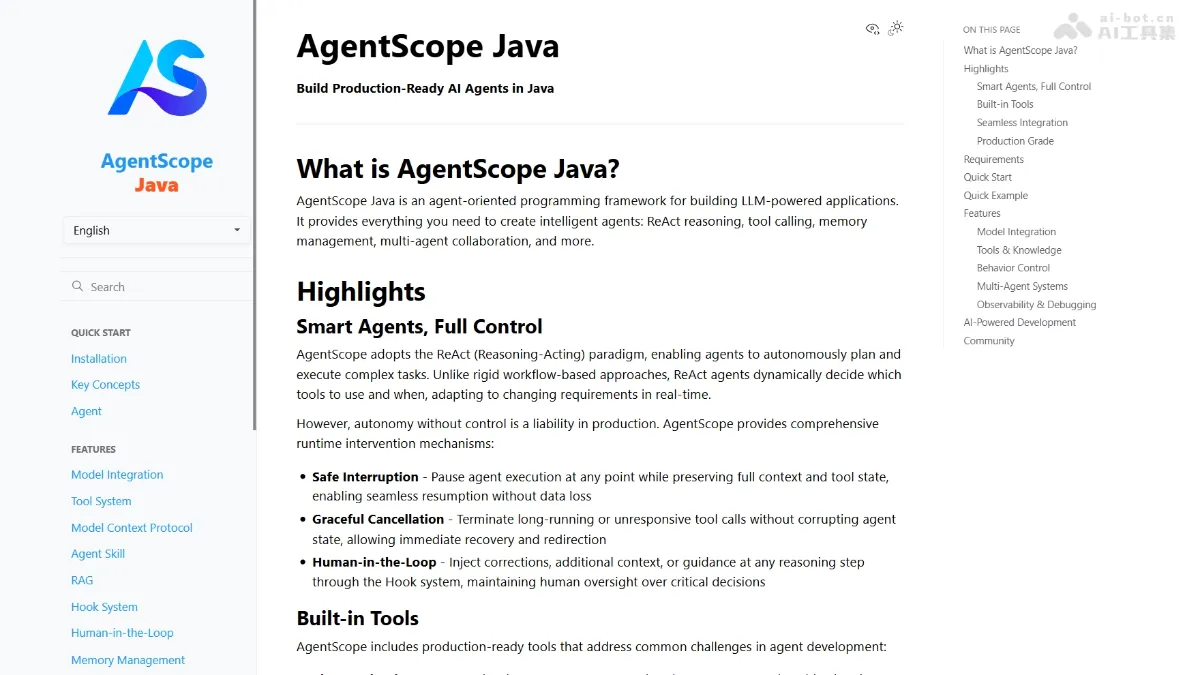
AgentScope Java - Alibaba's open-source enterprise-level intelligent agent development framework
AgentScope Java is an open-source Java framework from Alibaba for developing enterprise-level intelligent agents, enabling Java developers to easily build production-grade AI applications. The framework adopts the leading ReAct paradigm, giving large models autonomous reasoning and planning capabilities, while providing a robust runtime control mechanism to ensure a balance between autonomy and controllability.
Finally, Apple supports the Claude Agent SDK!
Apple and Anthropic jointly announced early this morning that Xcode, the official programming tool for Apple platform developers, has released version 26.3, and for the first time natively integrates Claude Agent, supporting development in Agentic Coding mode. In addition to Claude Agent, Xcode 26.3 also supports integration with OpenAI's Codex code agent. ...
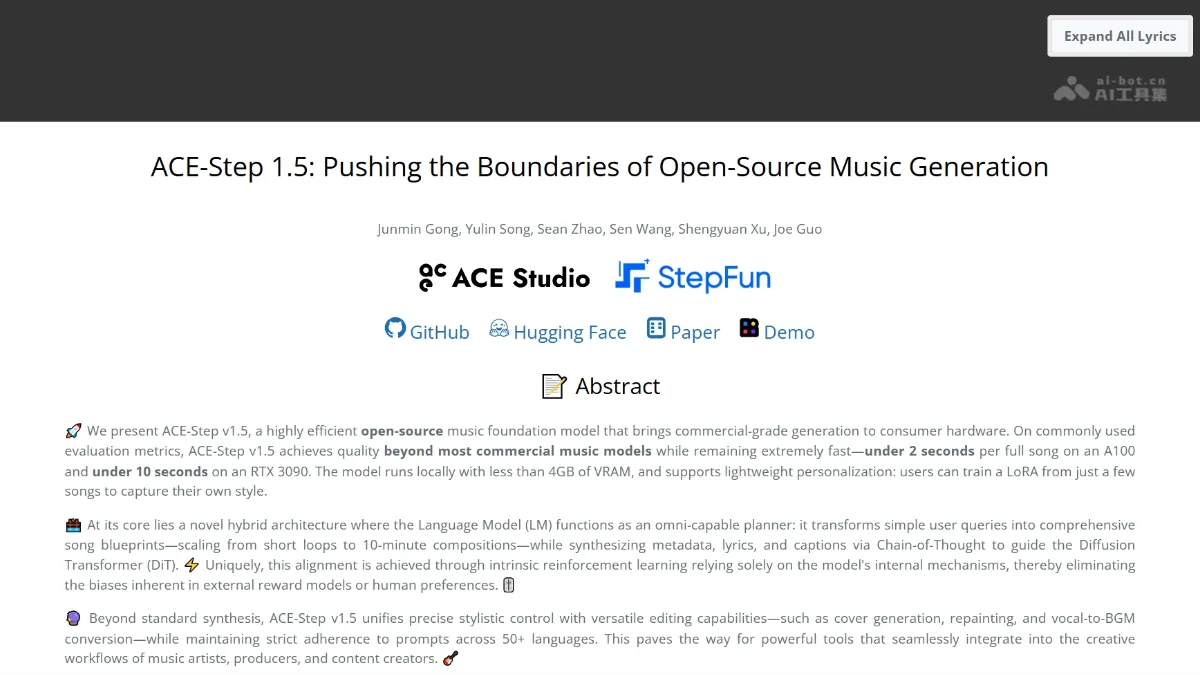
ACE-Step 1.5 - A music generation model open-sourced by ACE Studio and StepFun
ACE-Step 1.5 is an open-source music generation model jointly developed by ACE Studio and StepFun, enabling commercial-grade music generation on consumer-grade hardware. The model employs a hybrid architecture: a language model acts as a planner, transforming user prompts into song blueprints, while a Diffusion Transformer handles acoustic rendering.
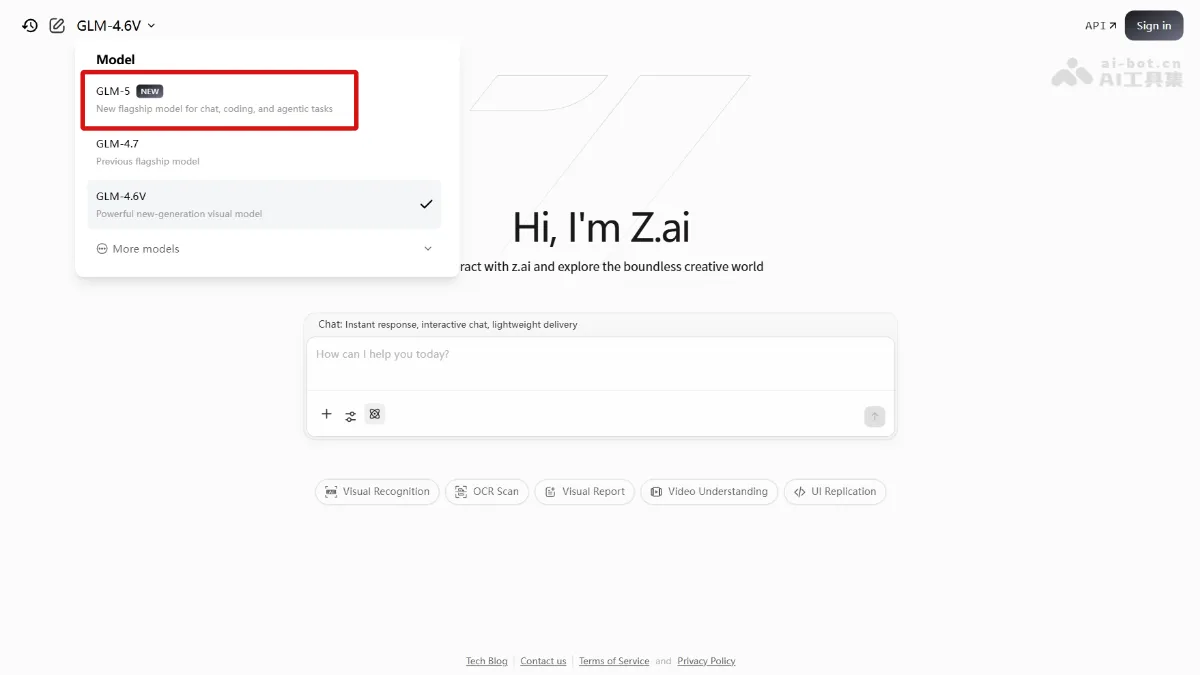
GLM-5 - Zhipu Open Source's next-generation flagship model
GLM-5 is the next-generation flagship model open-sourced by Zhipu AI. The parameter size has been expanded from 355B in GLM-4.5 to 744B (40B activation), and the pre-training data reaches 28.5T tokens. The model is the mysterious "Pony Alpha" model that topped the OpenRouter popularity chart.