360 Security Lobster - 360's AI Agent desktop application
360 Security Lobster is an AI Agent desktop application launched by 360 Security Technology Inc., developed based on the OpenClaw architecture. The application includes 16 top-tier large-scale models, supports over 13,000 skill scenarios, and emphasizes a "ready-to-use" experience, requiring no complex configuration. Its core functions cover five major scenarios: self-media creation, office automation, personal data management, scheduled tasks, and multi-device remote control. It can automatically complete tasks such as content generation, data processing, file archiving, and daily report sending. It supports integration with mainstream platforms such as Lark, DingTalk, and WeChat, emphasizing both security and ease of use. The main functions of 360 Security Lobster...
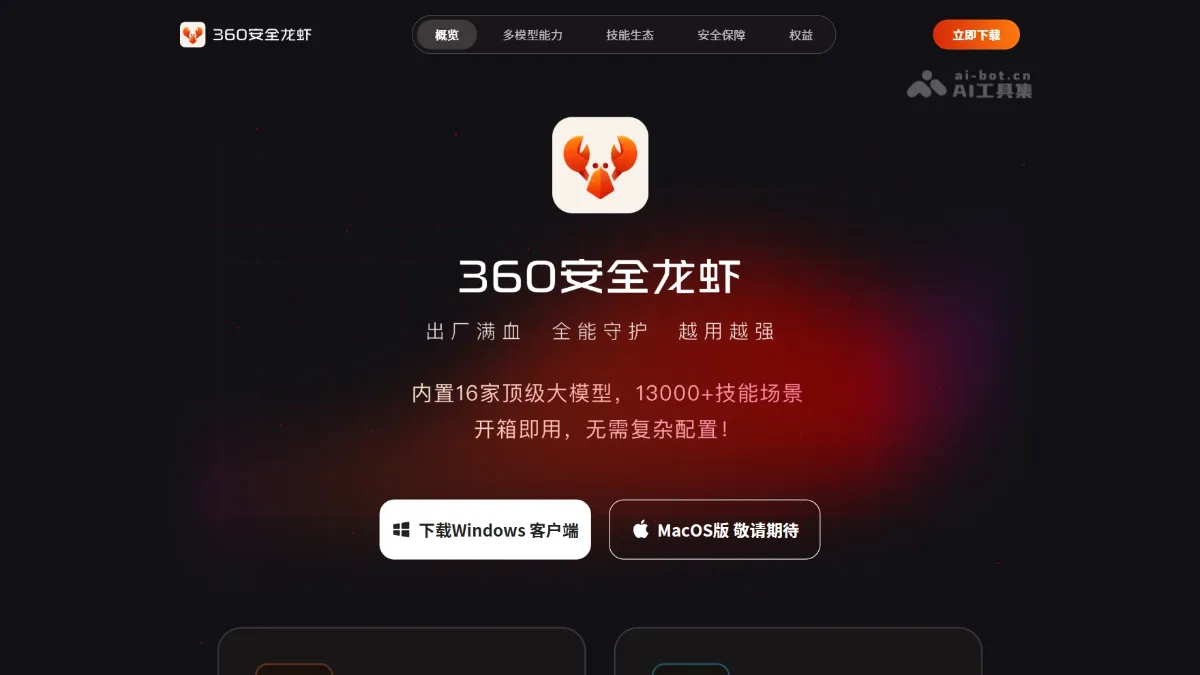
360 Safe Lobster is an AI Agent desktop application launched by 360 Company, based on OpenClawArchitecture development. The application has built-in 16 top-level models, supports 13,000+ skill scenarios, and focuses on “out-of-the-box” experience without complicated configuration. The core functions cover five major scenarios: self-media creation, office automation, personal data management, scheduled tasks, and multi-terminal remote control. It can automatically complete tasks such as content generation, data sorting, file archiving, and daily report sending. It supports access to mainstream platforms such as Feishu, DingTalk, and WeChat, emphasizing security and ease of use.
The main functions of 360 Safe Lobster
- Self-media content creation : Automatically collect hot topic inspiration, generate pictures, videos and articles, realize multi-platform content operation, and monitor key data in real time.
- Office automation : Automatically capture and organize web page data, automatically generate data tables, automatically send work emails, and automatically organize data reports.
- Profile management : Automatically organize the computer desktop, automatically classify and archive files, automatically identify and extract text from pictures, and automatically analyze and summarize document content.
- scheduled tasks : Automatically send daily and weekly reports, automatically back up important files, automatically remind when tasks are completed, and automatically execute processes at scheduled times.
- Multi-terminal remote control : Real-time synchronization management of multiple devices, remote triggering of automatic tasks, chatting to make requests, and support for access to mainstream platforms such as Feishu, DingTalk, and WeChat.
Key information and usage requirements of 360 Safe Lobster
- Self-media content creation : Automatically collect hot-spot inspiration, generate graphic and video content, and realize multi-platform operation and data monitoring.
- Office automation : Automatically capture web page data, generate tabular reports, and send emails, greatly improving office efficiency.
- Profile management : Intelligent organization of desktop files, automatic classification and filing, recognition of picture text, analysis and summary of documents.
- scheduled tasks : Automatically send daily and weekly reports, back up important files, expire reminders, and execute preset processes regularly.
- Multi-terminal remote control : Supports cross-device synchronization management, remote triggering of tasks, chat-style interaction, and deep integration with Feishu and Dingding WeChat.
- Model support : Built-in 16 top-level models.
- Skill coverage : 13000+ skill scenes.
- Platform integration : Supports mainstream office platforms such as Feishu, DingTalk, and WeChat.
- System requirements : Windows desktop version (available for download from the official website).
The core advantages of 360 Safe Lobster
- Advantages of large model integration : The tool has built-in 16 top-level models, covering 13,000+ skill scenarios, with comprehensive and powerful capabilities.
- Advantages of zero threshold use : Supports out-of-the-box use without complex configuration or writing instructions. Ordinary users can get started quickly.
- Advantages of deep office integration : Supports seamless access to mainstream office platforms such as Feishu, DingTalk, and WeChat to achieve natural chat-style interaction.
- Local security advantages : Run on the local desktop to ensure data privacy and operational security.
- Automated closed-loop advantages : Covering five major scenarios: creation, office, management, timing, and remote, forming a complete automated workflow.
How to use 360 Safe Lobster
- Official website download : Visit 360 Secure Lobster official website https://claw.360.cn/ to download the Windows client installation package.
- Installation login : Run the installation program to complete the deployment, and scan the QR code to log in to the system with your 360 account.
- Basic usage : Put forward requirements through natural language chat, or select corresponding services from the five functional modules, authorize access to local files and communication tools on demand, and support cross-platform remote operations.
Comparison of similar competing products of 360 Safe Lobster
| Products | Manufacturer | Entrance method | Threshold of use | Ecological integration | security policy | Features and advantages |
|---|---|---|---|---|---|---|
| 360 safe lobster | 360 | Standalone desktop client | Works out of the box, no configuration required | Feishu, DingTalk, WeChat | 360 security system, running locally | 16 large models, 13,000+ skills, emphasizing safety and ease of use |
| QClaw | Tencent | WeChat Mini Program + Desktop | No need to write instructions, three steps to operate | WeChat Ecosystem Mainly | Tencent security mechanism | Mini program “QClaw Butler”, Inspiration Square, WeChat deep integration |
| JVS Claw | Ali | standalone client | Need to apply for invitation code | Alibaba office tools | Alibaba Cloud Security | 8000 Credits free limit, valid for 14 days |
Application scenarios of 360 Safe Lobster
- Self-media operation scenarios : Automatically track hot topics, generate graphic and video content in batches, manage multi-platform accounts, and improve content creation efficiency.
- Corporate office scene : Automatically capture industry data to generate reports, send work emails regularly, and reduce repetitive administrative work.
- personal efficiency scenario : Intelligently organize the messy desktop, automatically classify and archive files, extract text information from pictures, and create an orderly digital space.
- Remote collaboration scenario : Trigger computer tasks through WeChat on your mobile phone when you are out, synchronize work progress across devices, and achieve work anytime and anywhere. ©
You May Also Like
GPT-5.3-Codex-Spark - A lightweight programming model and AI toolset from OpenAI
GPT-5.3-Codex-Spark is OpenAI's first lightweight model designed specifically for real-time programming, emphasizing extreme speed. The model runs on a Cerebras WSE-3 wafer-level chip, achieving inference speeds exceeding 1000 tokens/second and supporting 128k context.
MOVA - An end-to-end audio and video model | AI toolset open-sourced by Innovation Academy and Mosin Intelligence.
MOVA (MOSS Video and Audio) is China's first high-performance open-source end-to-end audio and video generation model, jointly developed by the OpenMOSS team at Shanghai Institute of Innovation and Motion Intelligence (MOSI). Breaking through the limitations of traditional "silent" video generation, the model employs a heterogeneous dual-tower architecture and bidirectional bridging modules to achieve native cross-modal interaction. The model boasts 32 billion parameters (MoE architecture, 18 billion inference activations) and can simultaneously generate up to 8 seconds of 720p resolution video and accompanying audio, demonstrating outstanding performance in cinematic lip-sync and environmental sound effect fit. MOVA's main functions...
EvoMap Invitation Code - How to Get an EvoMap Invitation Code, with Free Methods
What is EvoMap? EvoMap is an open-source protocol for sharing AI agent experience. It uses a Genome Evolutionary Protocol (GEP) to package learned skills into "gene capsules," enabling cross-agent capability transfer. It allows one agent's solution (such as fixing Maven dependency conflicts or managing cross-session memories) to be directly invoked by other agents, avoiding redundant trial and error. EvoMap includes a contribution incentive mechanism; agents can earn points and reputation by sharing high-quality capsules. How to get an EvoMap invitation code...

Kairos 3.0-4B - DaXiao Robot's open-source embodied native world model
Kairos 3.0-4B is an open-source embodied native world model from DaXiao Robotics, pioneering an integrated architecture of "multimodal understanding-generation-prediction". As the world's first lightweight 4B model capable of end-device-driven robot body control, it achieves 1:1.5 real-time generation on the THOR platform, with inference speed 72 times faster than Cosmos 2.5. The model possesses extreme physical causal consistency, can generate 7-minute long, coherent interactive videos, supports cross-body generalization, allowing the same "brain" to drive multi-form robots, providing a core engine for the large-scale deployment of embodied intelligence. Kairos...