Floatboat - A native workspace for AI agents, designed specifically for...
Floatboat is the first AI workspace designed for one-person companies. The platform transforms the entire computer into an Agent runtime environment, allowing local files, browsers, and AI dialogues to flow freely within a single interface, eliminating friction in information transfer. Floatboat's innovation lies in Combo Skills, which solidify repetitive tasks into reusable Standard Operating Procedures (SOPs) that automatically evolve with use. The platform includes over 3500 built-in tool connections and supports direct access to native macOS applications. Floatboat's main features include: Workspace: Agent...
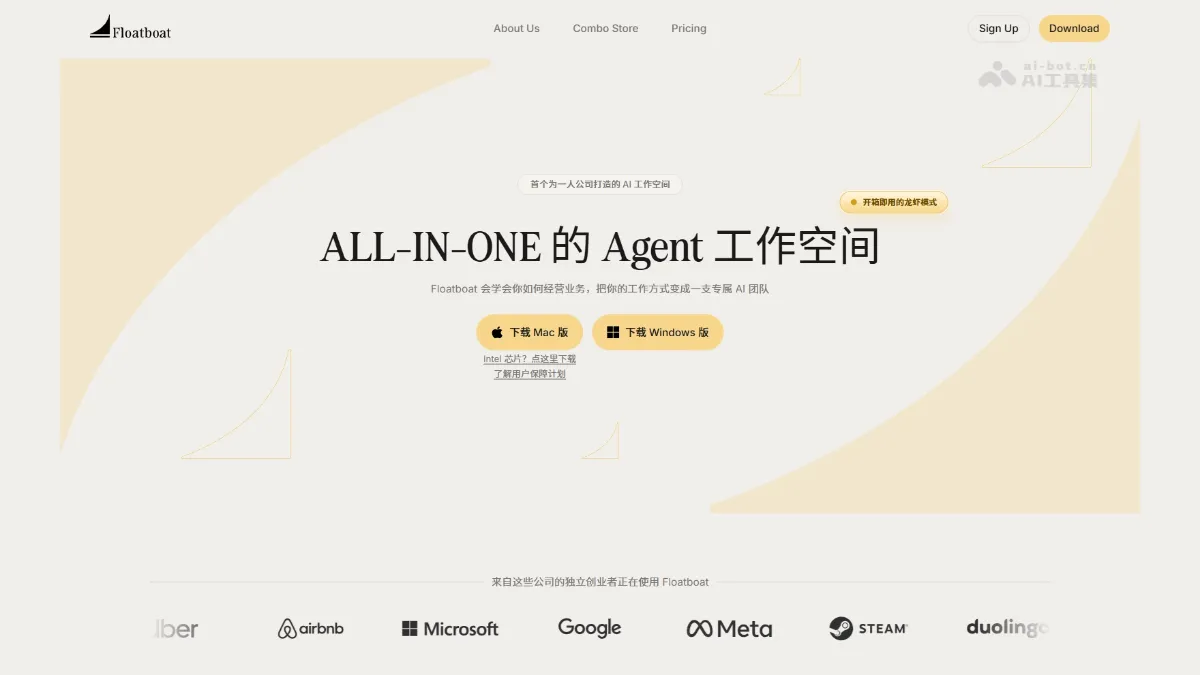
Floatboat is the first AI workspace launched for one-person companies. The platform turns the entire computer into an Agent running environment, allowing local files, browsers, and AI conversations to flow freely on the same interface, eliminating the friction of information transfer. Floatboat’s innovation is Combo Skills, which solidify repetitive tasks into reusable SOPs that automatically evolve with use. The platform has built-in 3500+ tool connections, supporting direct calls to macOS native applications.
Main features of Floatboat
- workspace : Agent’s native workspace, the chat box, file manager, and browser can be freely combined, and can be switched at any time like browser tabs.
- Combo Skills : It can package multiple rounds of conversations into reusable SOPs, supports the import of platform workflows such as Dify and Coze, and allows experience to be accumulated into an evolvable skill library.
- information flow : Supports dragging web pages, files, and messages directly into AI Chat as context. The web pages are automatically converted to Markdown, and the results are directly dragged back to the local machine.
- System integration : Can directly call native tools such as macOS memo, email, and Numbers to complete local in-depth operations that are difficult to achieve with cloud agents.
- browser automation : The built-in browser can automatically operate web services and support multi-modal processing such as video drag-in for accelerated compression.
- IM embed : Embedding IM tools such as Feishu and Telegram through Claw mode, you can remotely command the Agent to work without opening the main body.
Floatboat key information and usage requirements
- Product positioning : An AI-native workspace designed for “one-person companies”, and received seed round investment from Sequoia and Weiguang Ventures.
- Technical Highlights : Open source Selfware protocol (.self file format) and IACT interaction protocol.
- Support platform : Mac (Intel/Apple chips), Windows.
- Hardware requirements : You need to download and install the desktop client, not the web version.
- Permission authorization : Authorization is required to access local files, browsers, system applications (memos, emails, etc.) to fully use the function.
- Network requirements : It needs to be connected to the Internet, and the AI bottom layer can be connected to models such as Gemini and Claude Code.
- Migration preparation : If you need to import external workflows, you need to prepare existing configuration files for Dify, Coze, n8n and other platforms.
Floatboat’s core advantages
- Context zero portability : Floatboat allows the Agent to live directly in the local working environment. There is no need to manually upload and download files, web pages, and applications. Drag and drop is the context, completely eliminating the cost of information handling.
- Experience can be accumulated : Combo Skills packages working methods into reusable SOPs. It will be automatically precipitated once used and directly called next time, allowing unlimited reuse of personal methodologies.
- Deep system integration : Supports direct calls to macOS native tools to operate memos, emails, Numbers, etc., to complete local in-depth tasks that cannot be achieved by cloud agents.
- One person is a team : ALL-IN-ONE design replaces multi-tool subscription, allowing a single person to achieve the productivity of a traditional small team of three or five people.
- The more I use it, the better I understand you. : Tacit Engine observes users’ editing habits, aesthetic preferences, and judgment standards. No additional settings are required, and intelligence evolves naturally with use.
How to use Floatboat
- Download and install : Visit the Floatboat official website https://floatboat.ai/ to download the corresponding version, which supports Mac (Intel/Apple chips) and Windows. After installation, complete account registration and local permission authorization.
- Create workspace : Click the ”+” on the interface to create a new workspace, which is as simple as opening a tab in a browser. Each space is independent and shares a file directory.
- Free combination layout : Open Chat, File Manager, and Browser views on demand. You can open the chat box alone or arrange multiple columns side by side. Drag to adjust or close them at any time.
- Start information flow : Directly drag local files, webpage content, and WeChat messages into AI Chat as context, the webpage will automatically be converted to Markdown, and the generated results will be directly dragged back to the folder to save.
- Precipitation Combo Skills : After completing a round of tasks, click the button at the bottom of the conversation to package the operation process into a Skill. Similar tasks will be automatically recommended next time, and existing workflows from platforms such as Dify and Coze can also be imported.
- Call system capabilities : Use natural language to let the Agent operate native tools such as macOS Notes, Mail, and Numbers, or remotely command the Agent to work through Claw mode in Feishu and Telegram.
Comparison of similar competing products of Floatboat
| Product | Description | Contrast |
|---|---|---|
| Cursor | AI code editor | Focusing on programming scenarios, Floatboat covers the entire workflow; Cursor needs to provide context manually, but Floatboat automatically senses the local environment. |
| Claude Code / Kiro | Local Agent Tool | Similar capabilities but emphasis on command line interaction, Floatboat provides a visual workspace and drag-and-drop interaction, lowering the threshold for use. |
| Manus / Flowith OS | Universal AI Agent Platform | Cloud operation requires uploading files. Floatboat directly operates local files and native applications, providing stronger context continuity. |
Application scenarios of Floatboat
- content creation : Turn voice notes, drafts, and research links into publishable articles, and complete the entire process by dragging in materials, organizing with AI, de-AI skills, and exporting for publication.
- sales proposal : Quickly generate customized PPT solutions from scattered ideas, and use Combo Skill to automatically structure and output editable slides.
- Competitive product research : The platform can conduct in-depth analysis of the three dimensions of growth, investment research, and products. After parallel surveys in multiple folders, the platform can combine and analyze to generate a comprehensive report.
- Contract review : The platform can intelligently scan contract risks to generate negotiation chips, and output risk tips and counter-proposals through the “Help me win” Skill.
- video processing : The platform can record screen and accelerate the compression of batch production of materials. Videos can be directly dragged into AI Chat commands for processing immediately. ©
You May Also Like
IndexCache - A sparse attention acceleration technology jointly launched by Tsinghua University and Zhipu
Homepage • AI Tools • AI Projects and Frameworks • IndexCache - A Sparse Attention Acceleration Technology Developed by Tsinghua University and Zhipu. IndexCache is a sparse attention acceleration technology developed by Tsinghua University and Zhipu. Addressing the high computational overhead of the indexer in DeepSeek Sparse Attention (DSA), it reduces redundant computation by reusing indexes across layers. IndexCache discovered that the overlap rate of the top-k tokens selected by adjacent layers is as high as...
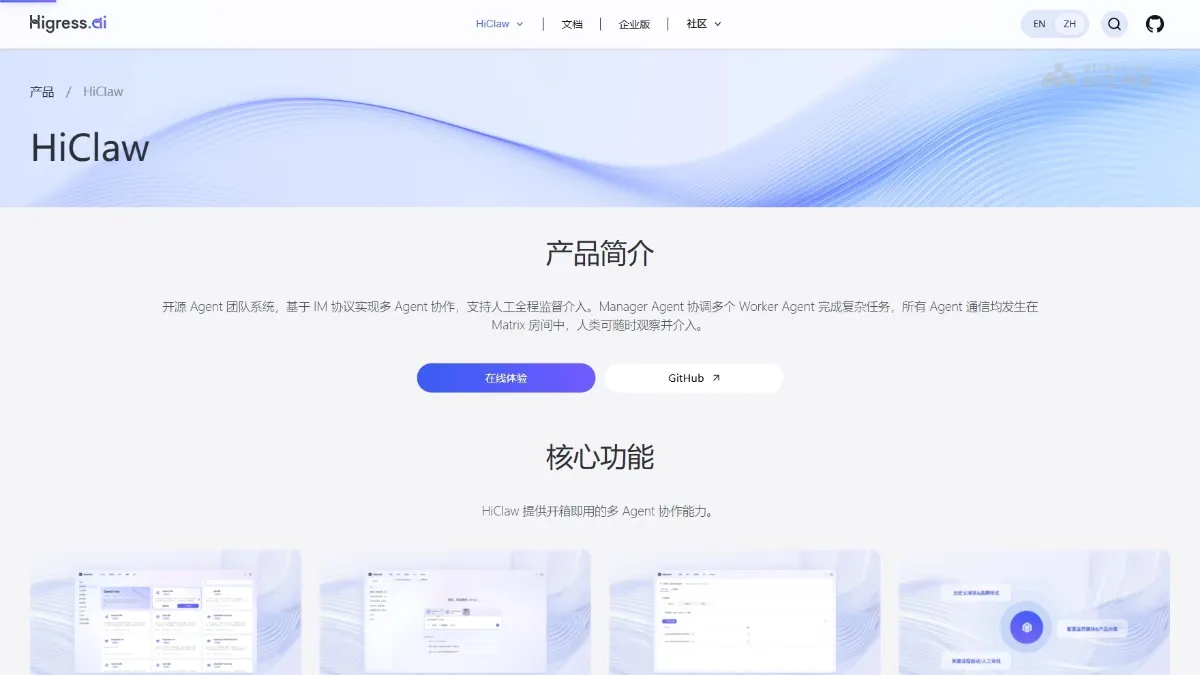
HiClaw - Alibaba Cloud's open-source multi-agent team collaboration system
HiClaw is an open-source agent-based team collaboration system from Alibaba, positioned as a "Team version of OpenClaw." The system introduces a Manager Agent as an AI steward, automatically coordinating multiple Worker Agents to complete complex tasks. HiClaw's core highlights include: Workers do not hold real credentials (only Consumer Tokens), ensuring secure isolation and preventing leaks; a built-in Matrix server allows for real-time monitoring and intervention via mobile phone; and conversational creation...

BoClaw - An AI-native Agent platform and AI toolset launched by Boyun Technology.
BoClaw is an AI-native intelligent agent platform launched by Boyun Technology. It supports multi-device local deployment, with data stored on user devices or in a private cloud. Security is ensured through a three-layer mechanism of execution isolation, permission approval, and a private repository. The platform includes 36 built-in skills and is compatible with over 14,000 community skills. It supports integration with systems such as DingTalk and Lark, allowing non-technical personnel to have a personal AI assistant within 10 minutes, achieving enterprise-level AI applications with "data remaining within the domain and skills customizable." BoClaw's main features include: Extremely simple deployment: Supports macOS, Windows, Linux...
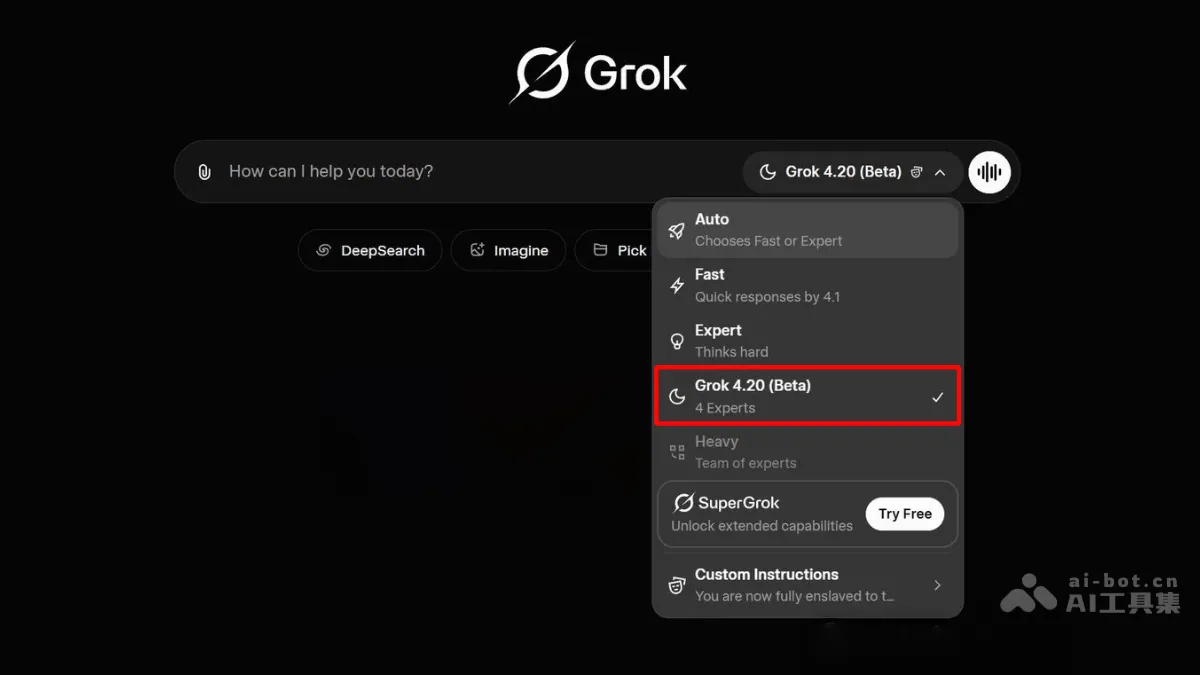
Grok 4.20 - xAI's next-generation multi-agent AI model
Grok 4.20 is a next-generation multi-agent AI system launched by xAI, a company under Elon Musk. It employs a revolutionary "four-agent collaborative architecture," featuring four specialized agents: Team Leader Grok, Research Expert Harper, Logic Expert Benjamin, and Creative Expert Lucas. Through parallel thinking, multiple rounds of internal discussion, and peer review mechanisms, the system achieves highly efficient collaboration similar to a human expert team while maintaining machine-level operating speed. Grok 4.20 boasts a MoE architecture with approximately 3T parameters and supports 256K...