gstack - An open-source AI programming workflow tool from the YC CEO
gstack is an AI programming workflow for Claude Code, open-sourced by YC CEO Garry Tan, that transforms AI assistants into virtual engineering teams. The tool includes 15 expert roles (such as CEO reviewer, staff engineer, QA manager, etc.) and 6 enhancement tools, all invoked via slash commands.
gstack is open sourced by YC CEO Garry Tan. Claude Code Used AI programmingWorkflows that transform AI assistants into virtual engineering teams. The tool includes 15 expert roles (such as CEO Review, Staff Engineer, QA Lead, etc.) and 6 enhancement tools, all invoked with slash commands. gstack supports running 10-15 Sprints in parallel, with capabilities such as real browser automation, dual AI cross-review, and automatic document updates.
Main functions of gstack
- product refactoring :
/office-hoursRedefine your product, challenge assumptions and generate implementation options through six mandatory questions. - planning review :
/plan-ceo-reviewExamine needs from the CEO’s perspective,/plan-eng-reviewLock down architecture and test matrix,/plan-design-reviewScore and detect AI low-quality content on a 0-10 scale. - design system :
/design-consultationBuild a complete design system from scratch and generate real prototype drawings and DESIGN.md documents. - code review :
/reviewIdentify hidden dangers in the production environment and automatically fix them,/investigateSystematic root cause analysis, forced stop after three failures. - design fix :
/design-reviewAfter the audit, fix the problem personally, submit it atomically and generate before-and-after screenshots. - Quality assurance :
/qaReal browser testing, automatic fixes and regression test generation,/qa-onlyOnly reports are generated without modifying the code. - security audit :
/csoPerform OWASP Top 10 and STRIDE threat modeling to provide specific attack scenarios. - Release deployment :
/shipOne-click synchronization, testing, and opening PR;/land-and-deployDeploy and verify production health after merging;/canaryMonitor post-release errors and performance. - browser automation :
/browseControl real Chromium to execute click screenshots,/setup-browser-cookiesImport real browser cookies. - Dual AI Review :
/codexIntroducing OpenAI Codex independent review and cross-validating with Claude to discover blind spots. - Team review :
/retroGenerate weekly engineering reports containing personal data, release continuity and testing trends. - Security protection :
/carefulWarning before destructive commands,/freezeLock the editing range,/guardMerging the two provides complete protection. - Productivity tools :
/autoplanOne-click serial CEO-design-engineering review;/document-releaseAutomatically synchronize documentation and code changes;/gstack-upgradeUpdates itself and displays changes.
Key information and usage requirements of gstack
- Author : Garry Tan (President and CEO of Y Combinator)
- Positioning : An open source toolset that turns Claude Code into a virtual engineering team
- core data : 600,000 lines of code in 60 days, producing 10,000-20,000 lines per day, and running 10-15 sprints at the same time
- composition : 15 expert roles + 6 enhancement tools, all slash command calls
- Required tools :Claude Code, Git, Bun v1.0+
- Windows Extra : Node.js (Bun has Playwright compatibility issues on Windows and automatically falls back to Node)
- Installation time : Approx. 30 seconds
- Configuration : Project CLAUDE.md needs to add gstack skill list
- Browser features : Optional Chrome/Arc/Brave/Edge for cookie import
The core advantages of gstack
- structured process : Supports converting scattered AI prompts into a complete Sprint process (think → plan → build → review → test → release) to avoid chaotic output.
- role specialization : 15 expert roles each specialize in their own duties. The CEO reviews the direction, the Staff engineer catches bugs, and the QA starts the real browser testing process to simulate real team collaboration.
- Parallel capability : Supports running 10-15 independent Sprints at the same time, the management method is the same as the CEO management team, and important decisions are intervened in the rest to run automatically.
- real browser :
/browseControl real Chromium instead of simulation, real clicks, screenshots, and processing verification codes, so that AI can truly “see” the interface. - Double AI cross-validation :
/codexIntroduce OpenAI Codex independent review, compare with Claude to find blind spots, and improve code quality. - Automatic repair closed loop :
/qaAfter bugs are discovered, they are automatically repaired, regression tests are generated, and re-validated, and the complete repair process can be completed without manual intervention.
How to use gstack
- Installation environment :Open Claude Code , paste and execute the installation command, Claude will automatically clone the repository, compile binary files and register all skills locally.
- Configuration items : For team sharing, copy gstack to the project
.claude/skills/directory and rerun setup, inCLAUDE.mdAdd a list of skills for Claude to recognize. - Initialize product (/office-hours) : Describe the product you want to make, and AI will question your presentation framework, challenge premise assumptions, extract hidden requirements, and generate design documents that will automatically flow into downstream skills.
- Plan review (/plan-ceo-review, etc.) : Run the CEO review to set the direction, the engineering review to lock the structure, and the design review score in sequence. The three-level check ensures that the plan is feasible before entering development.
- Code implementation (automatic or manual) : Exit the planning mode after approving the plan, and AI will automatically write the code based on the design document, or you can enter the review stage after manual development.
- Quality review (/review + /qa) :Run
/reviewFind production risks and automatically repair them before running/qaOpen a real browser and click test, find bugs, automatically fix them and generate regression tests. - Release deployment (/ship) :Execute
/shipSynchronize the main branch, run tests, audit coverage, push code and automatically open Pull Request with one click to complete the release process. - Continuous maintenance (/retro + /gstack-upgrade) :Run regularly
/retroReview team data and run/gstack-upgradeUpdate yourself to the latest version to get new features.
gstack project address
- GitHub repository :https://github.com/garrytan/gstack
Comparison of similar competing products of gstack
| Dimensions | gstack | OpenAI Codex | Devin (Cognition) |
|---|---|---|---|
| Positioning | Claude Code’s virtual engineering team workflow | OpenAI official CLI code assistant | Fully autonomous AI software engineer |
| core form | 15 expert roles + 6 tools, slash command calls | Single session command line tool | Independent cloud agent, end-to-end development |
| Workflow | Structured Sprint (think → plan → build → review → test → release) | Free dialogue, no fixed process | Autonomous planning and execution with less manual intervention |
| Parallel capability | Supports 10-15 Sprints running simultaneously | single session | single task |
| code review | /review + /codex Double AI cross-validation | self-censorship | Independent testing and verification |
| Browser testing | /browse Real Chromium automation | None | Built-in browser automation |
| Teamwork | Pass .claude/skills/ Shared configuration | personal use | Enterprise level, pay per seat |
Applicable scenarios for gstack
- Technical founder : It is necessary to balance CEO responsibilities while maintaining code output, and achieve development efficiency of one person to twenty people through structured processes.
- First time users of Claude Code : Provides predefined expert roles and workflows to avoid being confused by blank prompts.
- Tech Lead and Staff Engineers : Strict code review, QA and release automation processes are required to ensure that each PR goes through multiple layers of checks.
- Parallel multi-project development : Need to push 10-15 Sprints simultaneously, managing multiple AI sessions through standardized processes without getting into chaos.
- A team that pursues code quality : Mechanisms such as dual AI cross-examination, real browser testing, and automatic regression testing are needed to ensure production safety. ©
You May Also Like
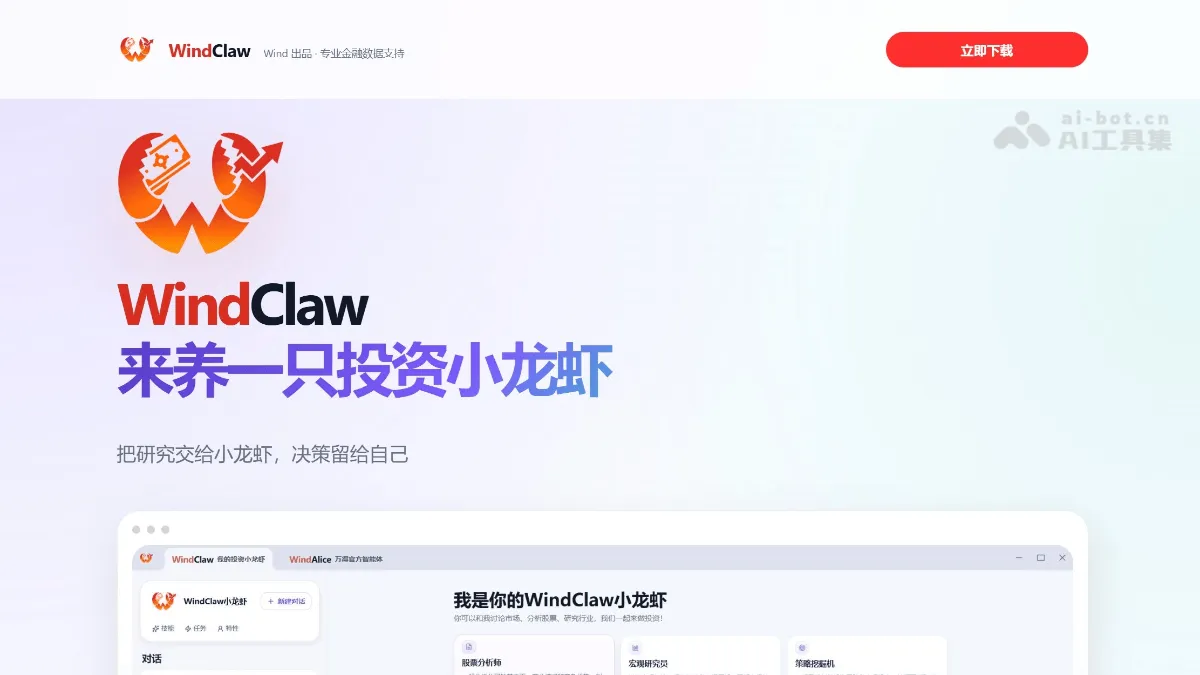
WindClaw - An AI-powered investment research platform that deeply integrates professional financial databases
WindClaw...
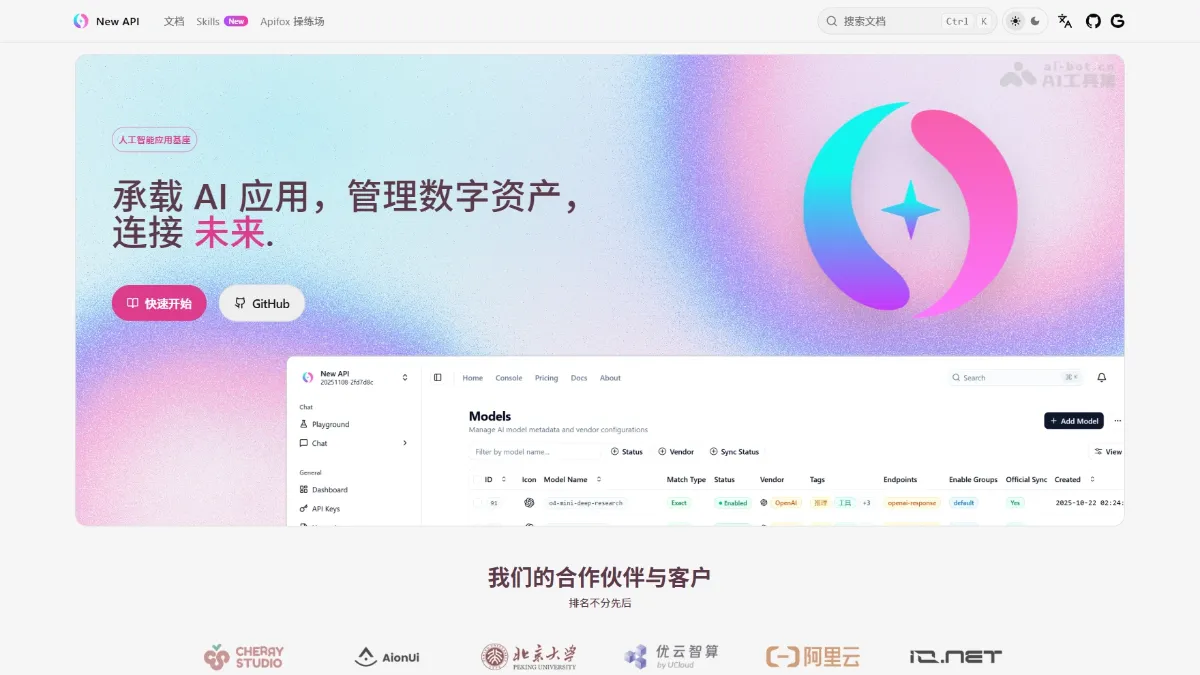
New API - Open Source AI Large Model Gateway and Asset Management System
New API is a next-generation AI gateway and asset management system. As an AI foundation platform, it provides unified infrastructure access to over 30 mainstream global AI services (OpenAI, Claude, Gemini, DeepSeek, etc.). Core platform features include a unified OpenAI-compatible interface, intelligent routing load balancing, granular billing and access control, and real-time data dashboards. The platform supports advanced functions such as multi-format conversion, inference intensity control, and cache-based billing. It adopts the AGPLv3 open-source license and supports Docker...
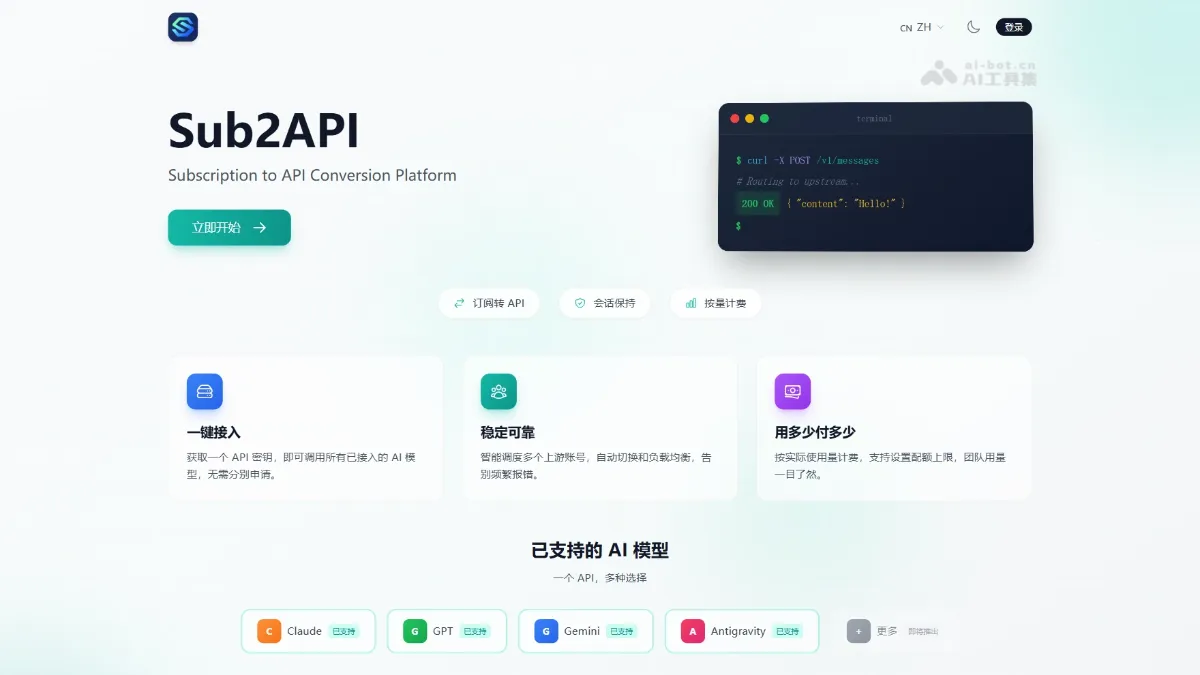
Sub2API - An open-source AI API gateway platform that supports multi-account management
Sub2API is an open-source AI API gateway platform that supports unified access and management of subscriptions to mainstream AI services such as Claude, OpenAI, Gemini, and Antigravity. The platform provides features such as multi-account management, API Key distribution, token-level accurate billing, intelligent scheduling, and concurrency control.
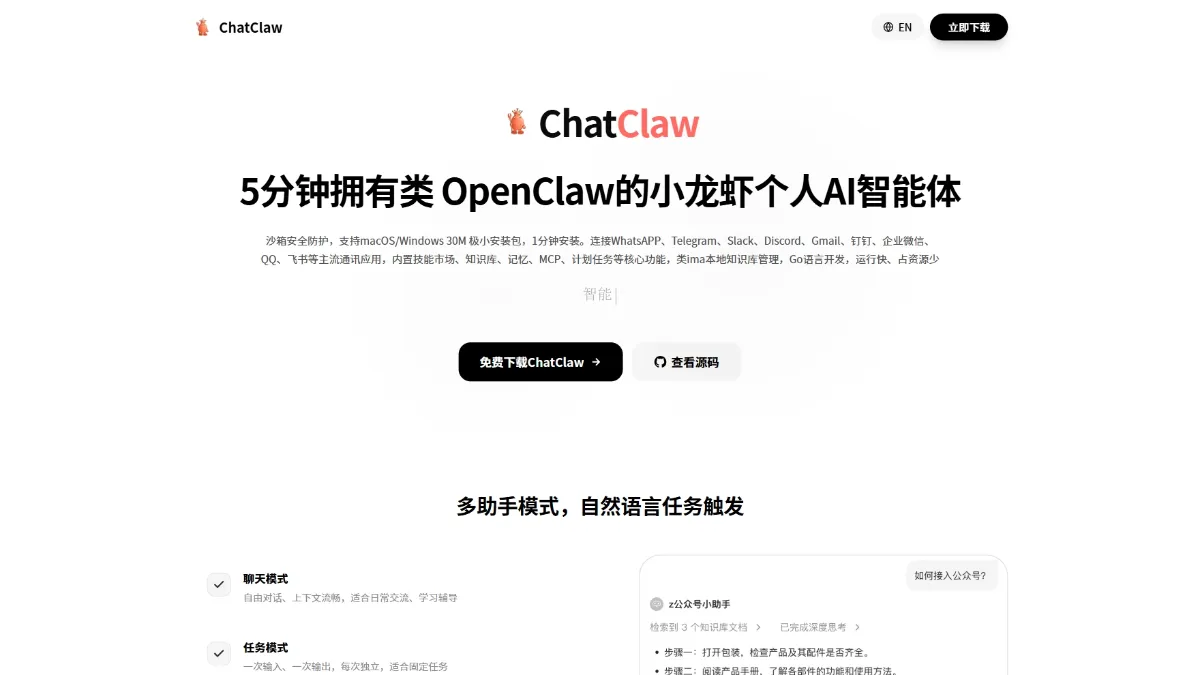
ChatClaw - Zhima's open-source AI agent, supporting multi-platform access
ChatClaw is an open-source AI agent developed by Zhima, with a tiny 30MB installation package supporting macOS, Windows, and Linux. The tool includes a built-in local knowledge base, skills marketplace, MCP extensions, long-term memory, and scheduled tasks, and can connect to over 10 communication platforms such as DingTalk, Lark, WeChat Work, and QQ.