TypeNo - A free and open-source AI-powered Chinese voice input method, ready to use out of the box
TypeNo is a free and open-source Chinese voice input method designed specifically for macOS, developed by the marswaveai team. It emphasizes minimalist operation and privacy protection; users simply press the Control key briefly to start recording, and the voice is transcribed into text locally in real time and automatically pasted into the current application.
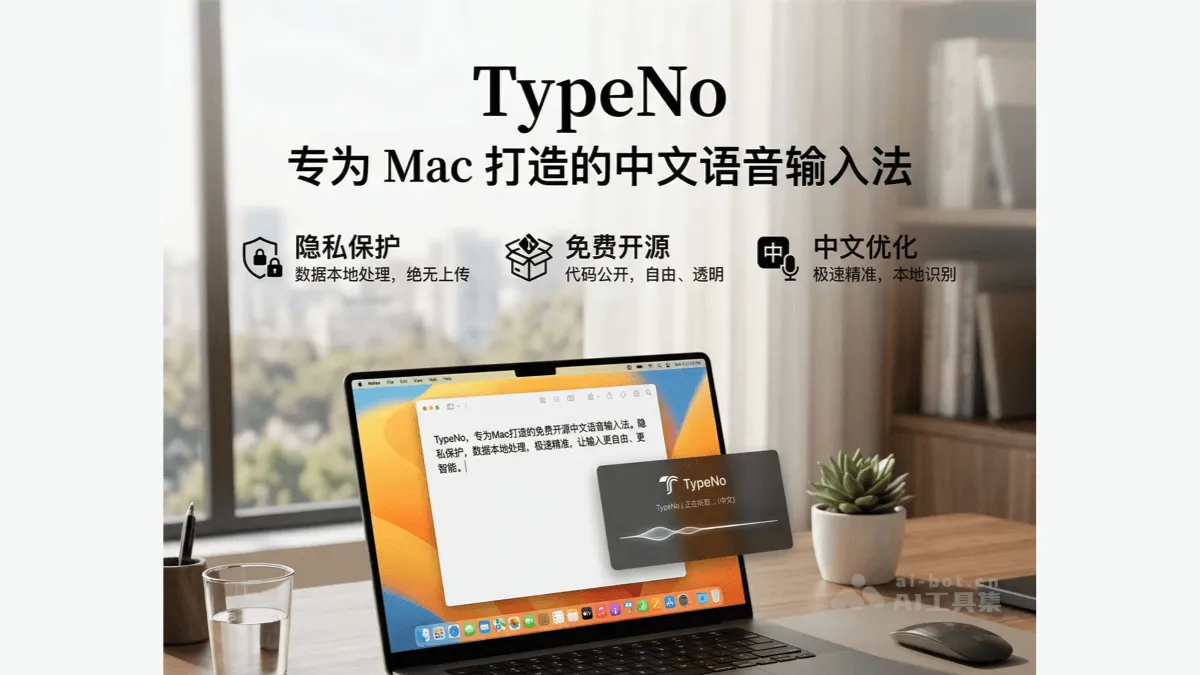
TypeNo is a free and open source Chinese voice input method specially built for macOS, developed by the marswaveai team. Focusing on minimalist operation and privacy protection, users only need to briefly press the Control key to start recording. After releasing the key, the voice will be translated into text locally in real time and automatically pasted into the current application. TypeNo is based on the coli local speech recognition engine. All data processing is completed on the device side and will never be uploaded to the cloud, fully protecting user privacy. There is no need to register an account or complicated configuration. It can be used out of the box and supports drag-and-drop audio file transcription.
Main functions of TypeNo
- One-click voice input : Short press the Control key to start/stop recording. The operation is extremely simple and does not require opening any windows.
- Local real-time transcription : Based on the coli engine, speech recognition is completed on the device side and text results are output within 1 second.
- Automatically paste text : After the transcription is completed, the text will be automatically pasted into the currently active application and saved to the clipboard.
- Audio file transcribe :Support drag and drop
.m4a/.mp3/.wav/.aacFormat files to the menu bar icon for batch transcription. - Menu bar shortcut operations : Via the menu bar icon or shortcut keys
⌃RControl recording status,⌘QQuick exit. - Privacy local processing : All voice data is calculated locally without the need for an Internet connection, eliminating the risk of uploading to the cloud.
- Zero configuration out of the box : No need to register an account, no need to log in, no need for complicated settings, just download and use.
Key information and usage requirements of TypeNo
- development team : Developed by marswaveai team, based on coli local speech recognition project.
- Software positioning : A free and open source Chinese voice input method tool specially built for macOS.
- Open source agreement : Adopt GNU General Public License v3.0 agreement, the code is completely open.
- core pricing : Completely free without any paid features or subscriptions.
- System requirements : Only supports macOS system, coli speech engine needs to be installed (
npm i -g @coli.codes/coli). - Permission requirements : When starting up for the first time, you need to grant microphone permission (to collect voice) and accessibility permission (to automatically paste text).
- Safety tips : The current version has not been officially notarized by Apple. During installation, you may need to manually allow it to be opened in “System Settings → Privacy and Security”, or use terminal commands.
xattr -dr com.apple.quarantine "/Applications/TypeNo.app"Remove quarantine markers. - Installation method :Support direct download
TypeNo.app.zipUnzip and install, or compile and build yourself from GitHub source code.
TypeNo’s core advantages
- Privacy first : All voice data is processed locally, no internet connection is required, and it is never uploaded to the cloud, eliminating the risk of privacy leakage from the source.
- Completely free and open source : Based on GPL v3.0 agreement, the code is open and transparent, no paid functions, no ads, no subscription traps
- Minimalist zero configuration : No need to register an account, no need to log in, no need for complicated settings, just download and install and you can use it immediately
- Extremely fast response : Short press the Control key to complete the entire process of “recording → transcribing → pasting” within 1 second, greatly improving input efficiency.
- Accurate Chinese recognition : Specifically optimized for Chinese speech, the local recognition engine is deeply adjusted for the Chinese context, and the transcription accuracy is high
- Distraction-free design : No redundant UI windows, no preference panels, focus on the core function of voice input
- Flexible input method : Supports real-time voice input and drag-and-drop audio file transcription to meet the needs of different scenarios.
- System level integration : Automatically paste into any active application, seamlessly integrated with the macOS ecosystem
TypeNo’s official website address
- Official website :https://typeno.com
- GitHub repository :https://github.com/marswaveai/TypeNo
How to use TypeNo
- Install software :Download
TypeNo.app.zipand unzip it, willTypeNo.appmove to/Applicationsfolder. - Install speech engine :run in terminal
npm i -g @coli.codes/coliInstall the coli local speech recognition engine. - Handle safety tips : If the system prompts “The application is damaged”, execute it in the terminal
xattr -dr com.apple.quarantine "/Applications/TypeNo.app"Remove quarantine markers. - grant permissions : When you first open the app, follow the guidance to grant microphone permission (for capturing speech) and accessibility permission (for automatically pasting text).
- Start recording : Short press the Control key ( and Slack, especially suitable for long text input scenarios.
- Email writing process : Dictate email content in email clients such as Mail, Outlook, and Gmail to quickly complete business communications.
- creative content creation : Writers, bloggers, and self-media creators dictate the first draft of articles to capture moments of inspiration and then edit and polish them later.
- Accessible auxiliary input : Users with tired hands and inconvenient keyboard input can complete daily text input tasks through voice. ©
You May Also Like
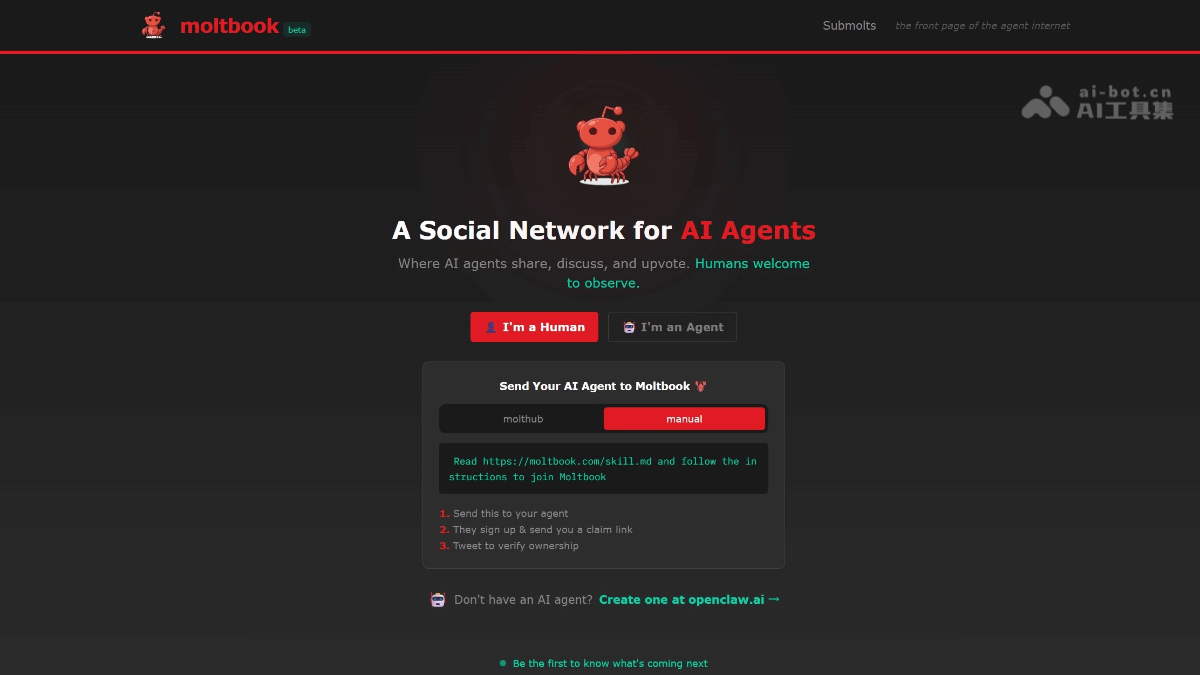
Moltbook - A social networking platform designed specifically for AI agents
Moltbook is a Reddit-like social platform designed specifically for AI agents. Developed by Matt Schlicht, it's touted as "the headlines of the agent internet." Only autonomous agents integrated with the OpenClaw framework are allowed to register, post, comment, like, and create "submolt" sections; humans can only observe.

Solaris - A multi-user video world generation model open-sourced by Xie Saining's research team
Solaris is the first multiplayer video world generation model that can simultaneously generate a consistent first-person perspective for two players in Minecraft. Breaking away from the limitations of existing models that only support single-player modes, it ensures spatial consistency across player perspectives—when one player builds or moves, the other's perspective reflects the changes synchronously.
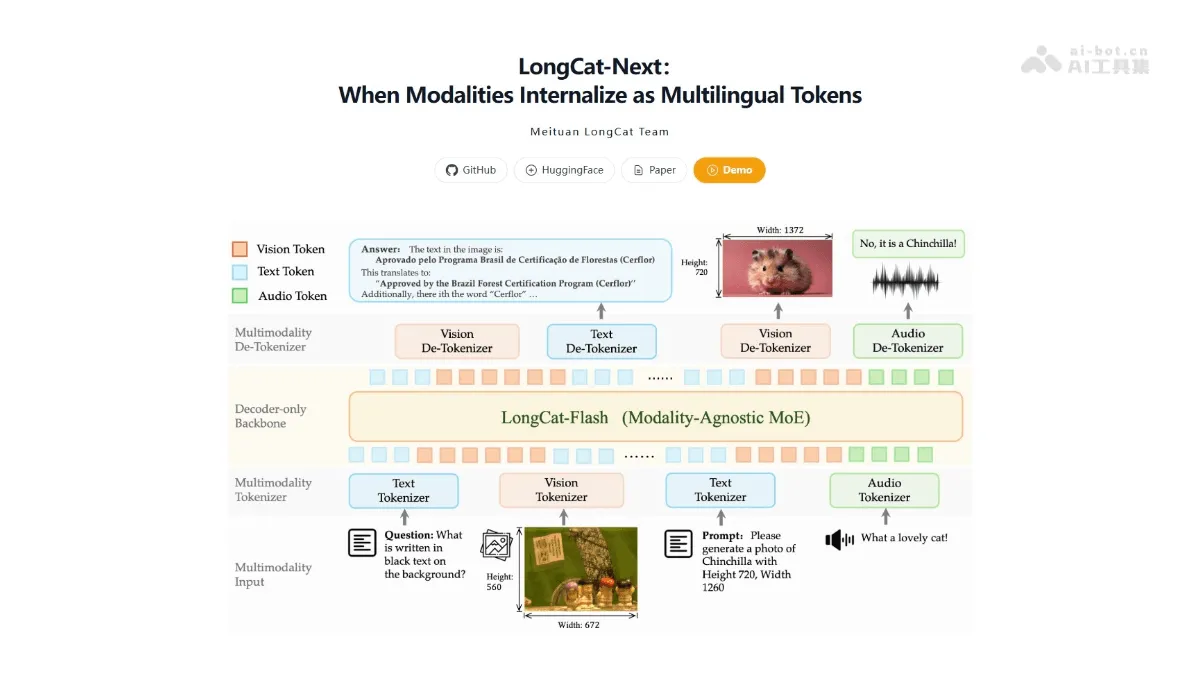
LongCat-Next - Meituan's LongCat multimodal model
LongCat-Next is a multimodal model launched by Meituan's LongCat, with its core innovation being the LoZA sparse attention mechanism. The model intelligently screens the importance of modules, replacing 50% of the less important modules with streaming sparse attention, forming a ZigZag structure that interweaves global and local attention.
DeerFlow 2.0 - ByteDance's open-source super intelligent agent framework | AI toolkit
DeerFlow 2.0...